New Template
Template Creation Instructions
-
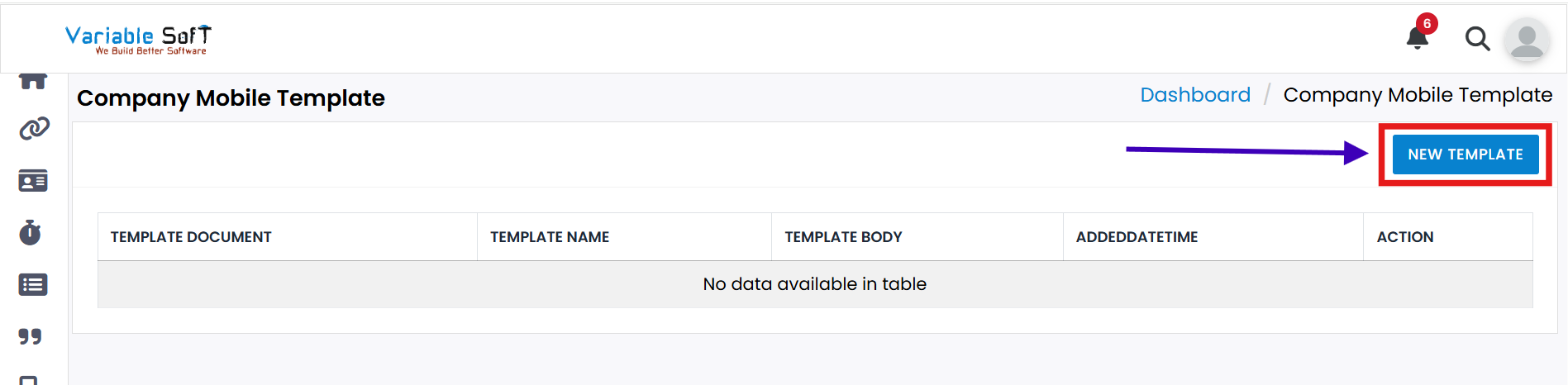
Step 1
If you want to Add Template, click on the New Template button.
-
Step 2
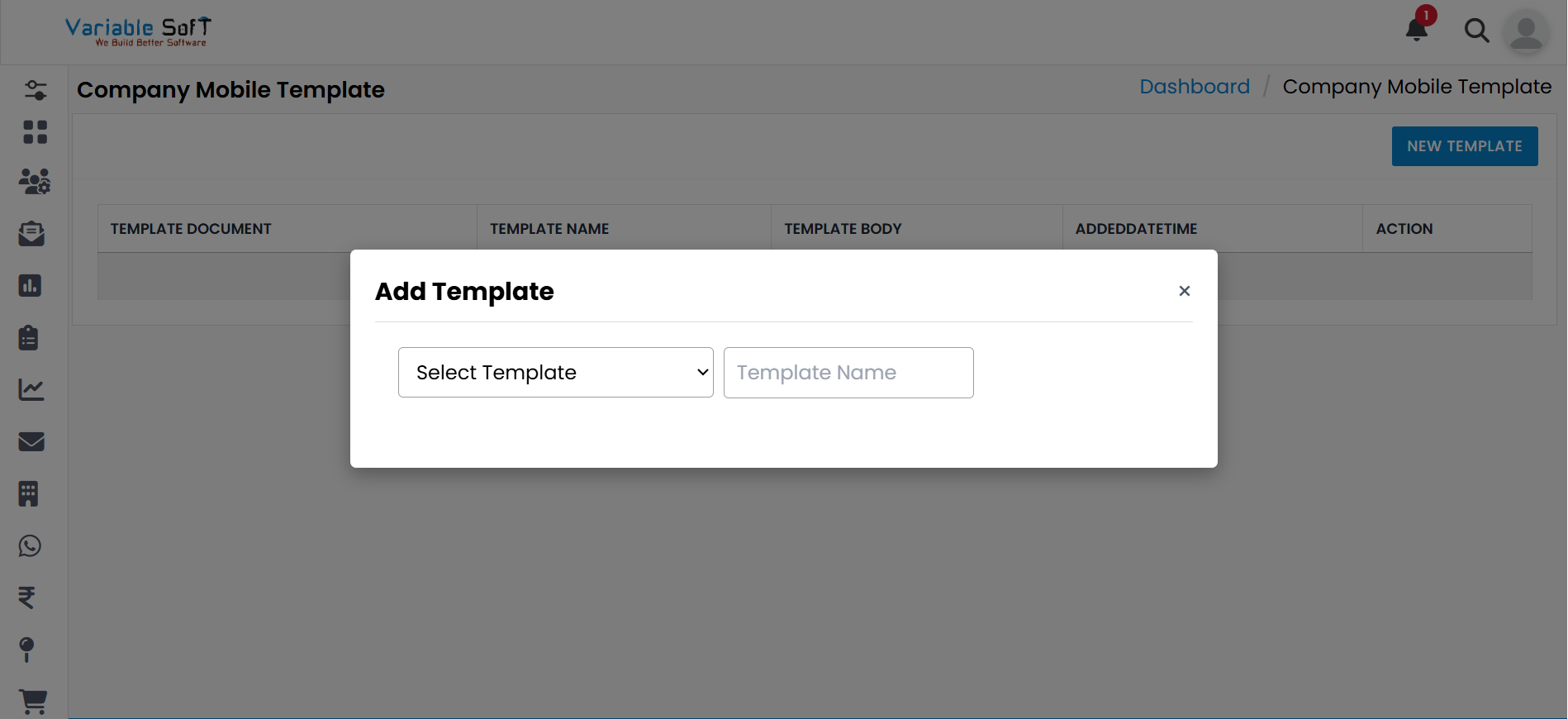
A Add Template pop-up will appear.
-
Step 3
Select the Template and fill in the Template Name according to your choice.
-
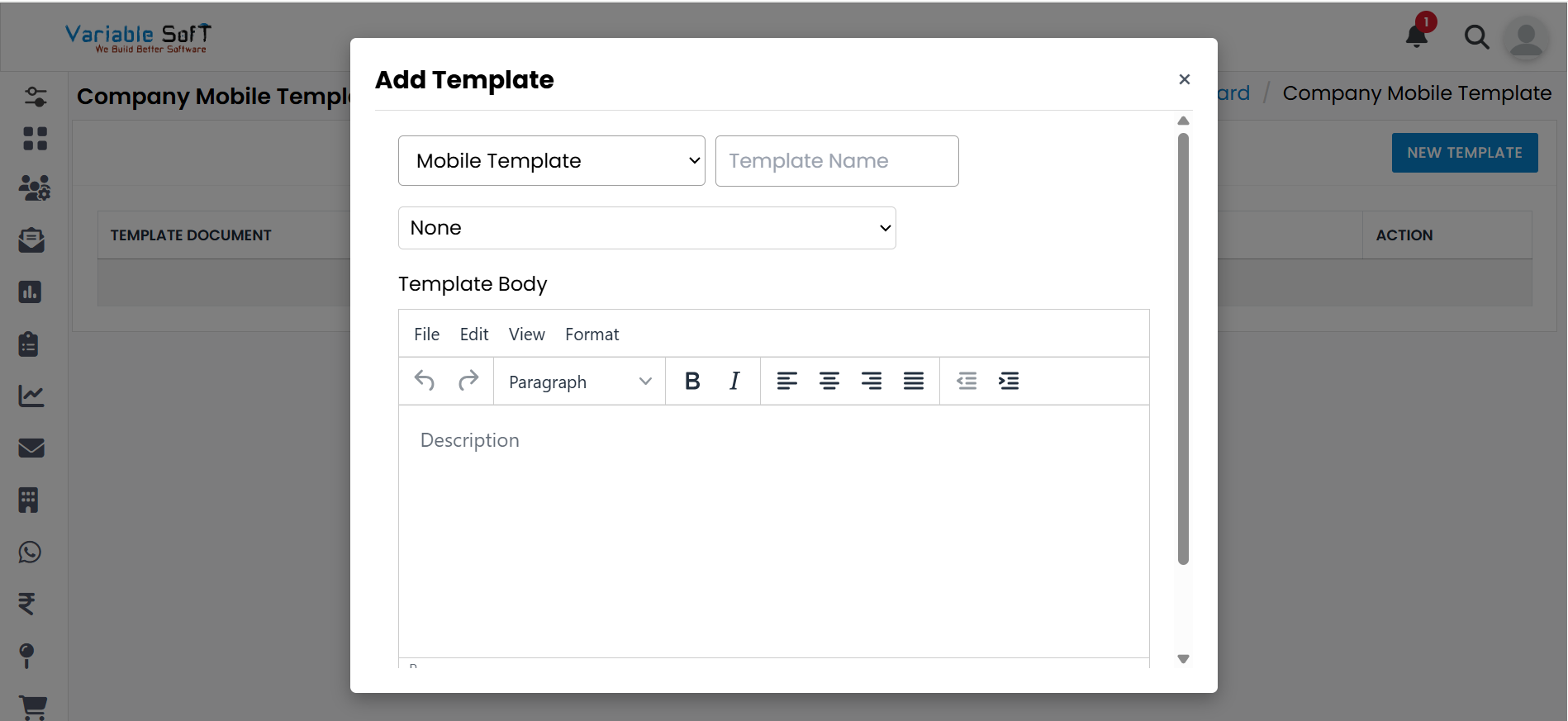
Step 4
Based on your selected template, more options will appear. Choose and fill in all the required information.
-
Step 5
Finally, click on the Add Template button to save it.
💡 Pro Tip: Choose the Right Template
Always select the most suitable template for your task to save time and avoid rework later.