Payment
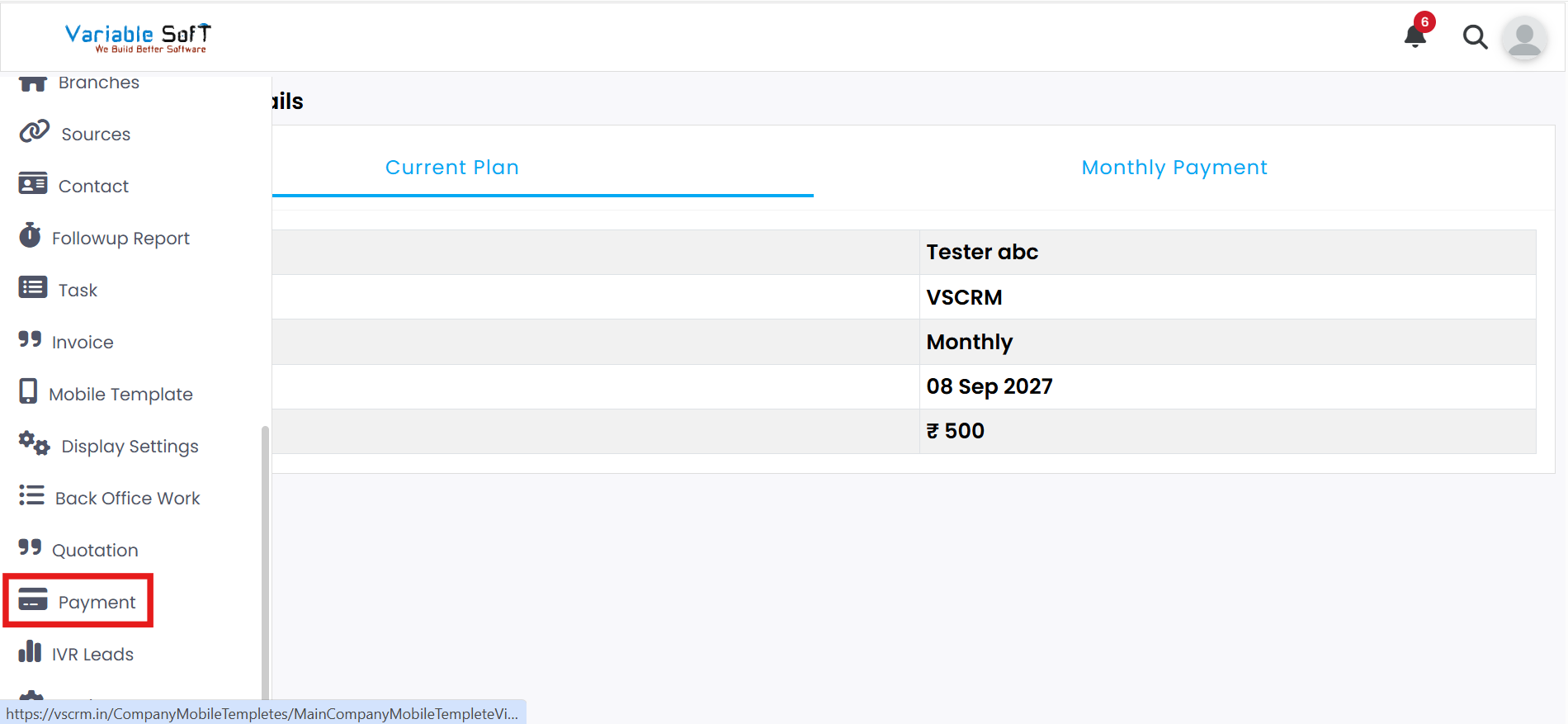
To access this feature, open your CRM Dashboard and click on Payment. The Payment Details page will open.
Payment Details Instructions
-
Step 1
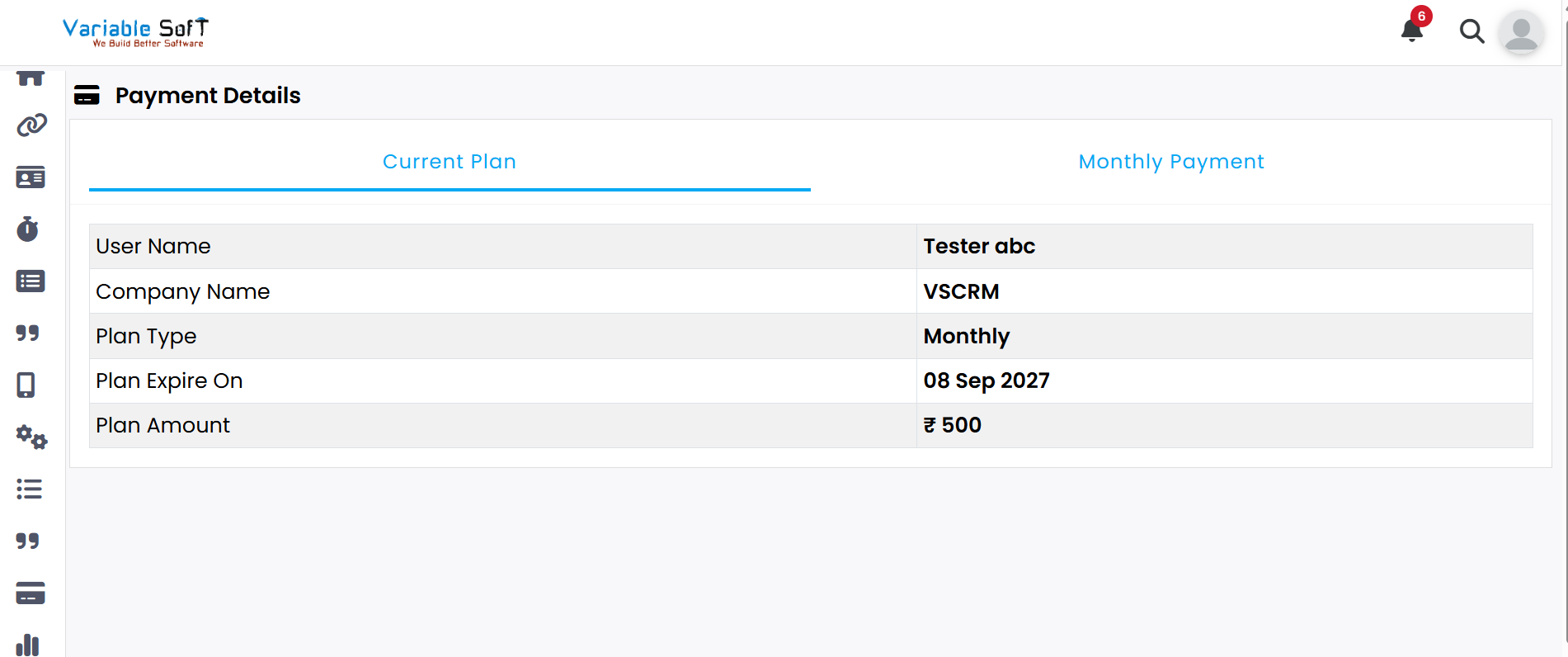
On the Payment Details page, you can view all your payment-related information in one place.
-
Step 2
The page contains two main sections: Current Plan and Monthly Payment.
-
Step 3
From this page, you can easily complete any pending or upcoming payments.
Quick Actions
💡 Pro Tip: Manage Payments Smoothly
Keep your billing details updated and track monthly payments regularly to avoid interruptions and maintain seamless service usage.