B.M. Template
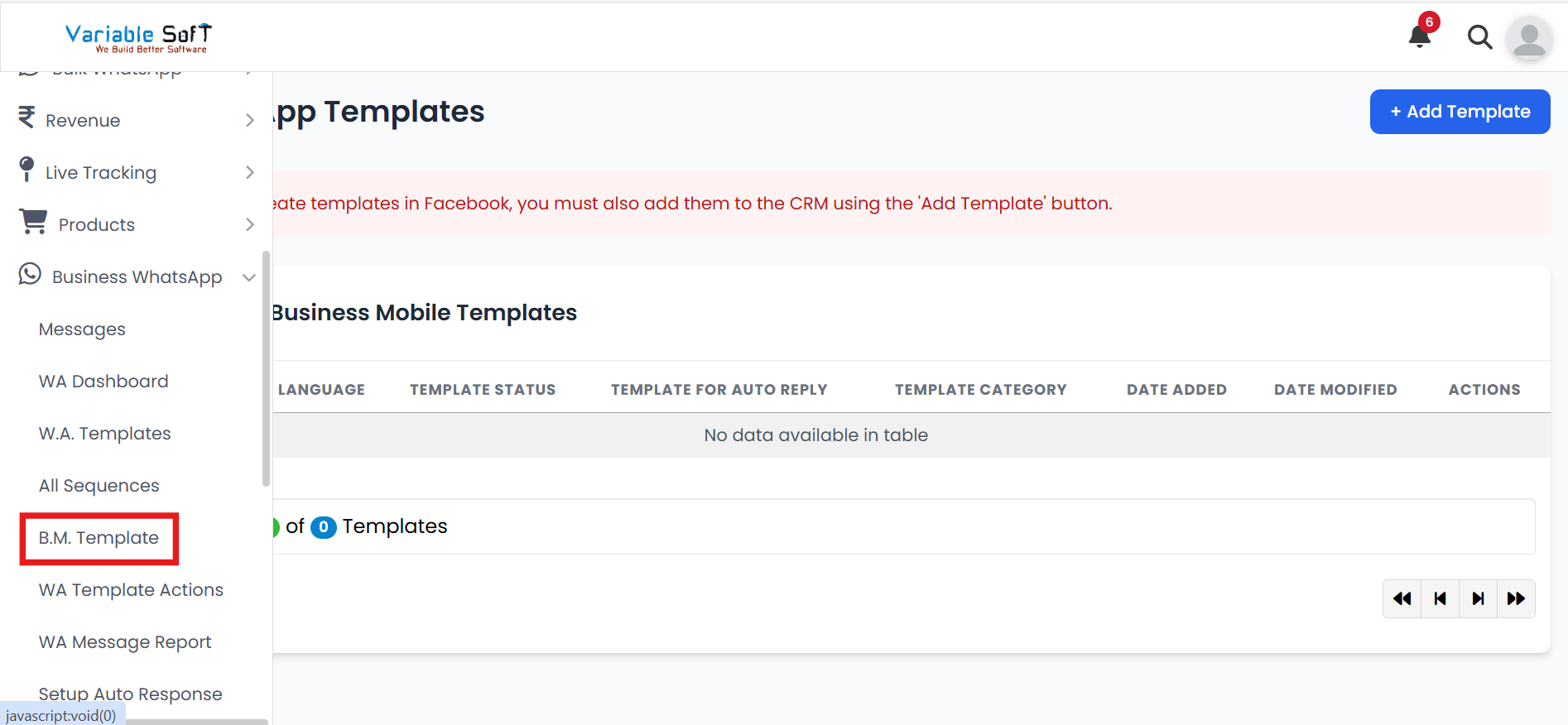
To access this feature, open your CRM Dashboard and click on Business WhatsApp. From the dropdown menu, select B.M. Template to open the WhatsApp Templates page.
B.M. Template Instructions
-
Step 1
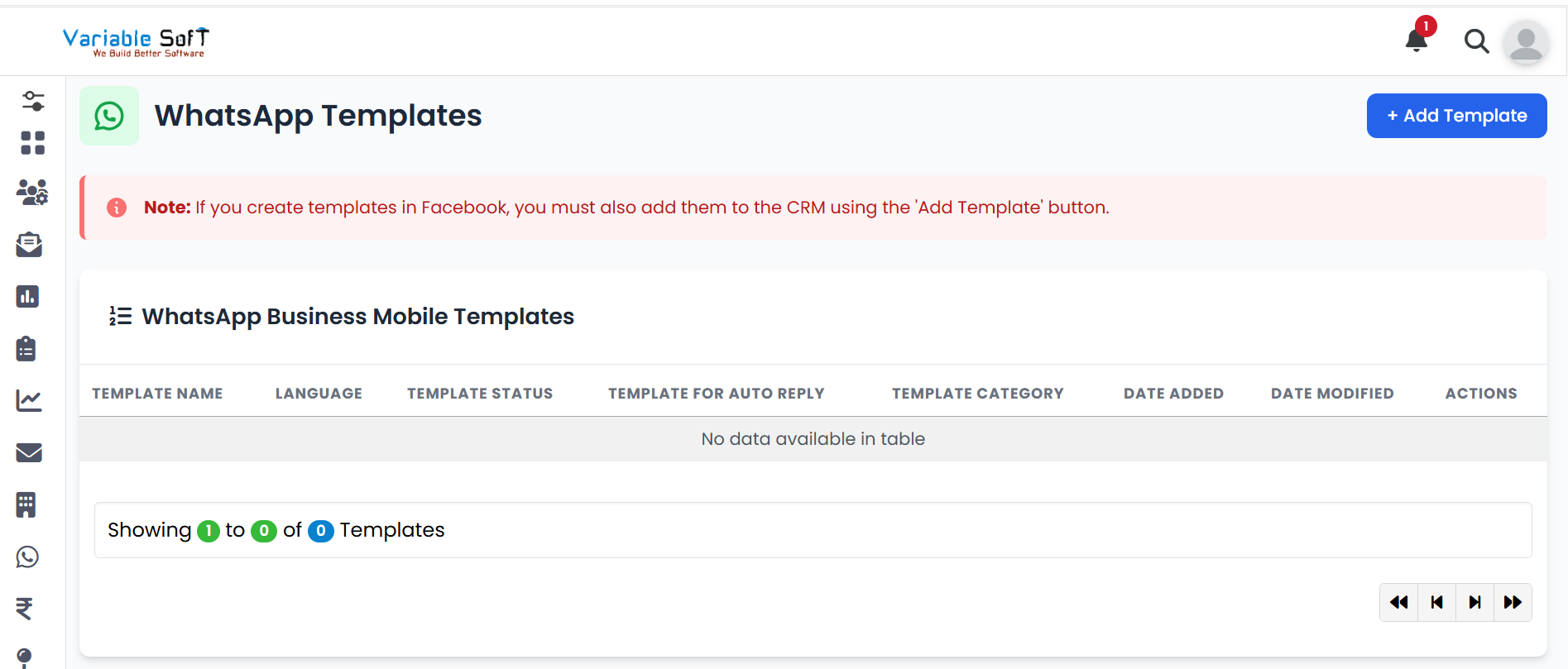
Business Mobile Template allows you to create and save templates for automation, including auto-replies.
-
Step 2
Click on the Add Template button.
-
Step 3
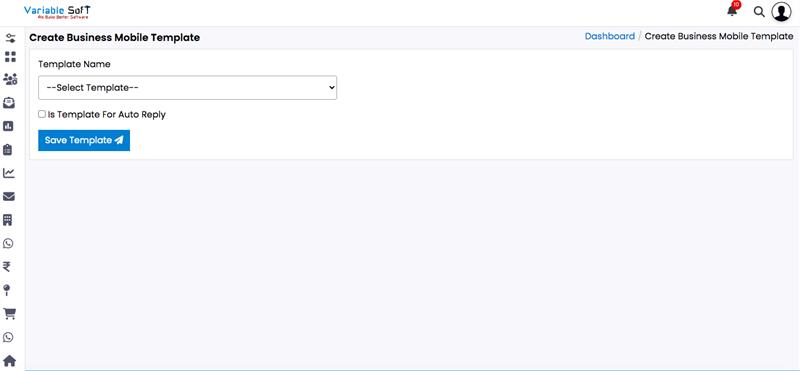
The Create Business Mobile Template page will open.
-
Step 4
Choose the Template Name from the dropdown.
-
Step 5
Based on your choice, more options will appear, and you can fill them according to your needs.
-
Step 6
Finally, click on the Save Template button to successfully add your template.
Quick Actions
⚠️ Important Note
Make sure to enter the correct Template Name and other template details, as this information will be used for compliance and reporting purposes.