Sources
To access this feature, open your CRM Dashboard and click on Sources. The Sources page will open.
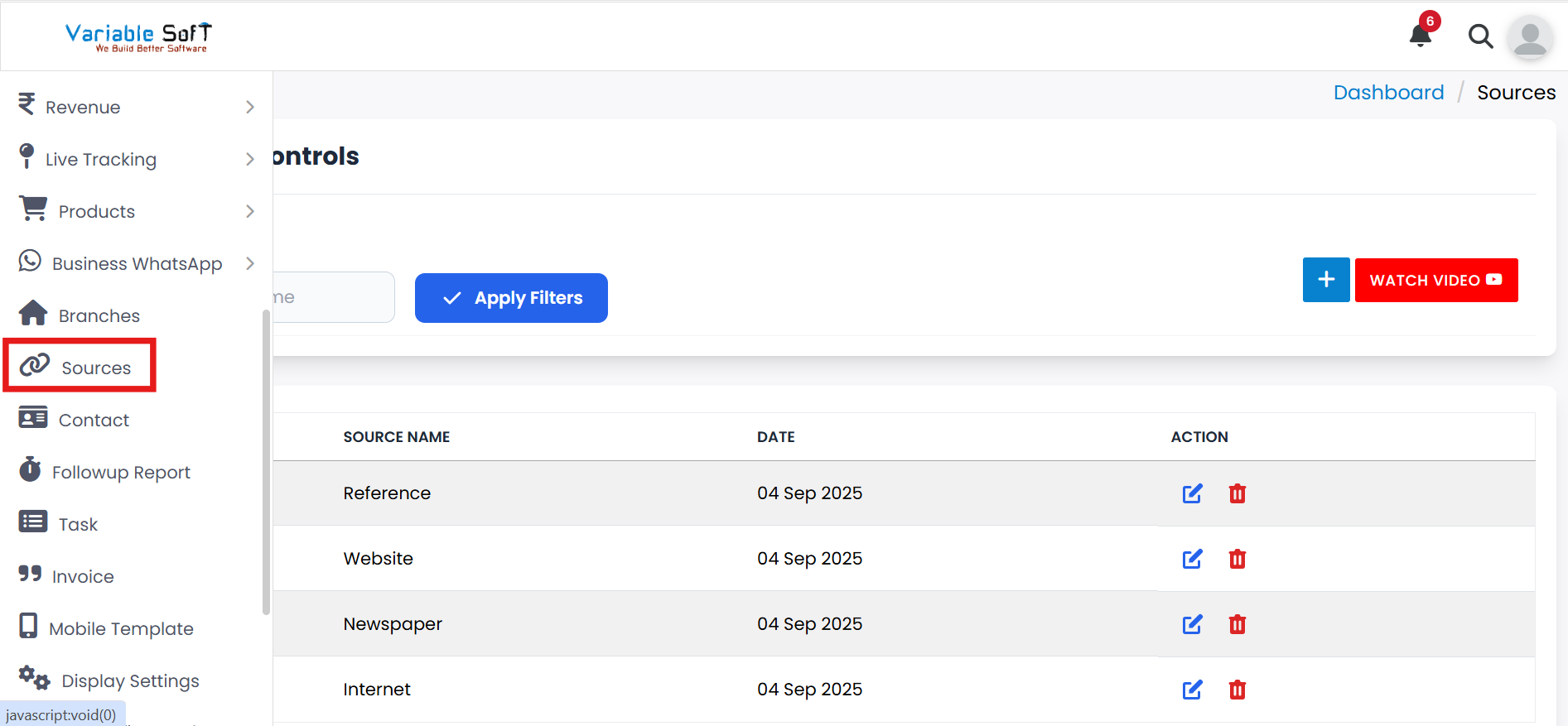
Sources Instructions
-
Step 1
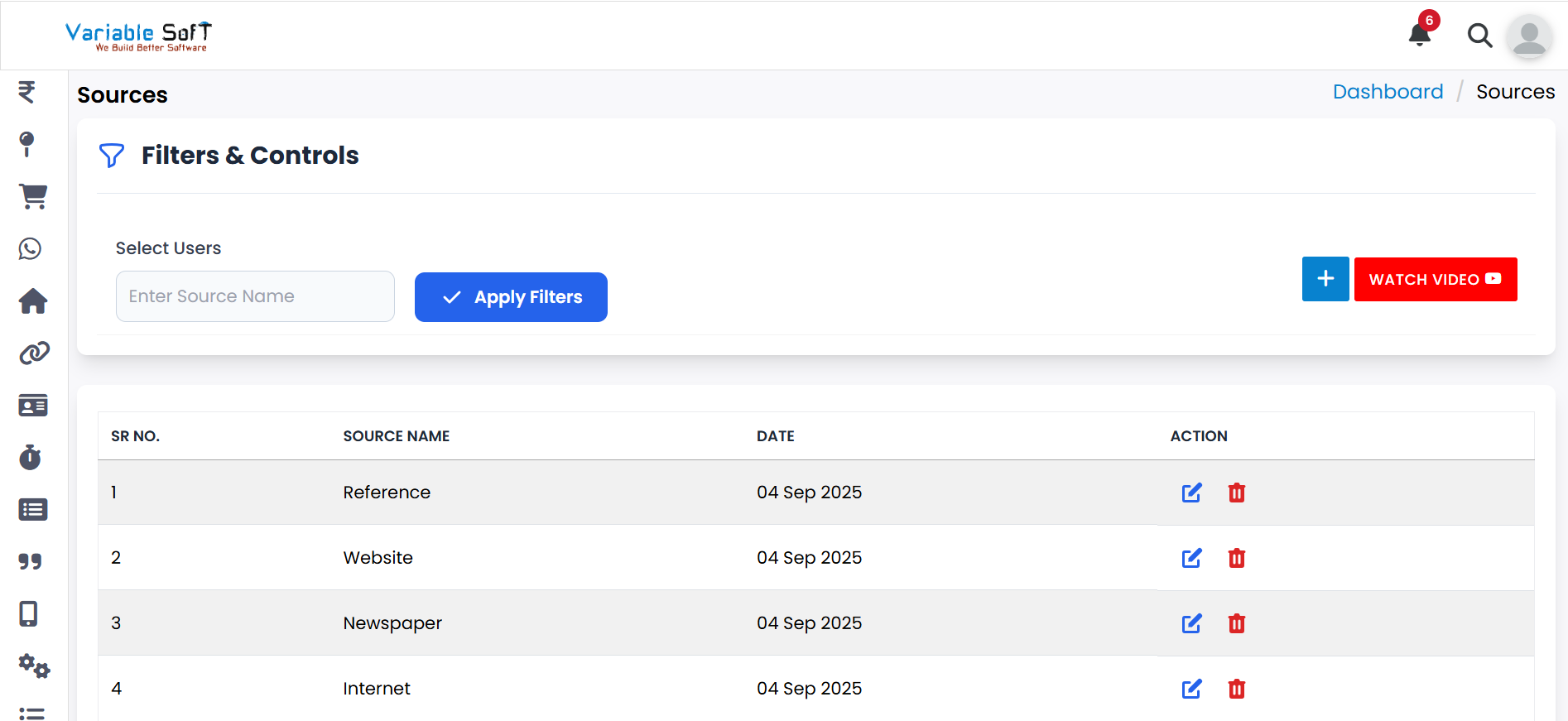
In this, you can easily see the Sources of your CRM.
-
Step 2
If you want to add a source according to your needs, you can easily Add Source with the help of the Add button.
-
Step 3
If you want to edit any source, simply do it with the help of the Edit button.
-
Step 4
If you want to delete any source, you can do it with the help of the Delete button.
Quick Actions
💡 Pro Tip: Track Sources Effectively
Ensure accurate tracking of your lead sources to better evaluate marketing efforts and optimize resource allocation.