Status Wise Report
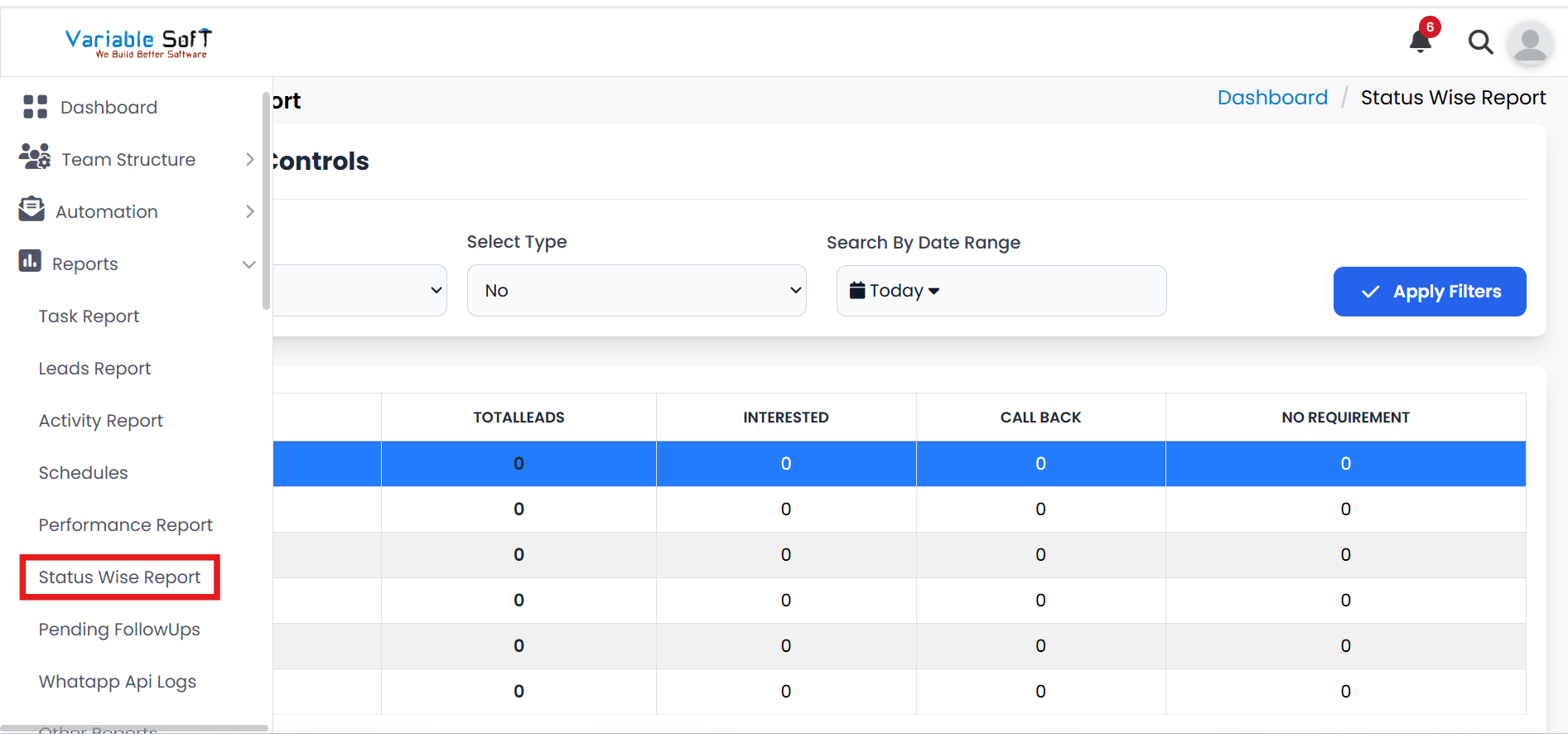
To access this feature, open your CRM Dashboard and click on Reports. From the dropdown menu, select Status Wise Report to open the Status Wise Report page.
Setup Instructions
-
Step 1
To view a status-wise lead report, select the Status Wise Report option from the Reports section.
-
Step 2
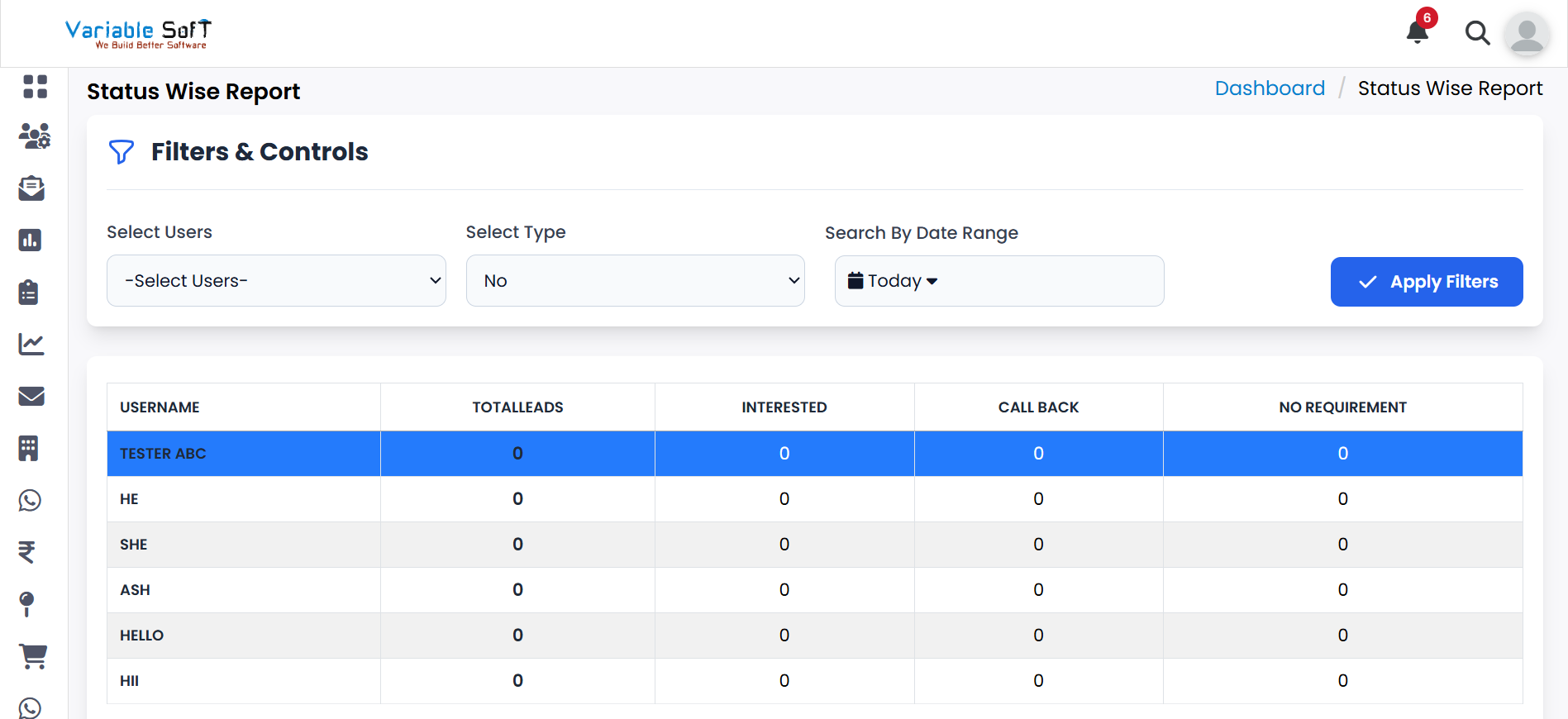
This report provides a clear overview of all leads categorized by their current status.
-
Step 3
You can see the total number of leads assigned to each user.
-
Step 4
Additionally, the report displays the number of leads from each source, helping you track lead distribution effectively.
💡 Pro Tip: Monitor leads efficiently
Regularly reviewing status-wise reports helps identify high-performing users and sources, ensuring better lead management and faster follow-ups.