Check List Report
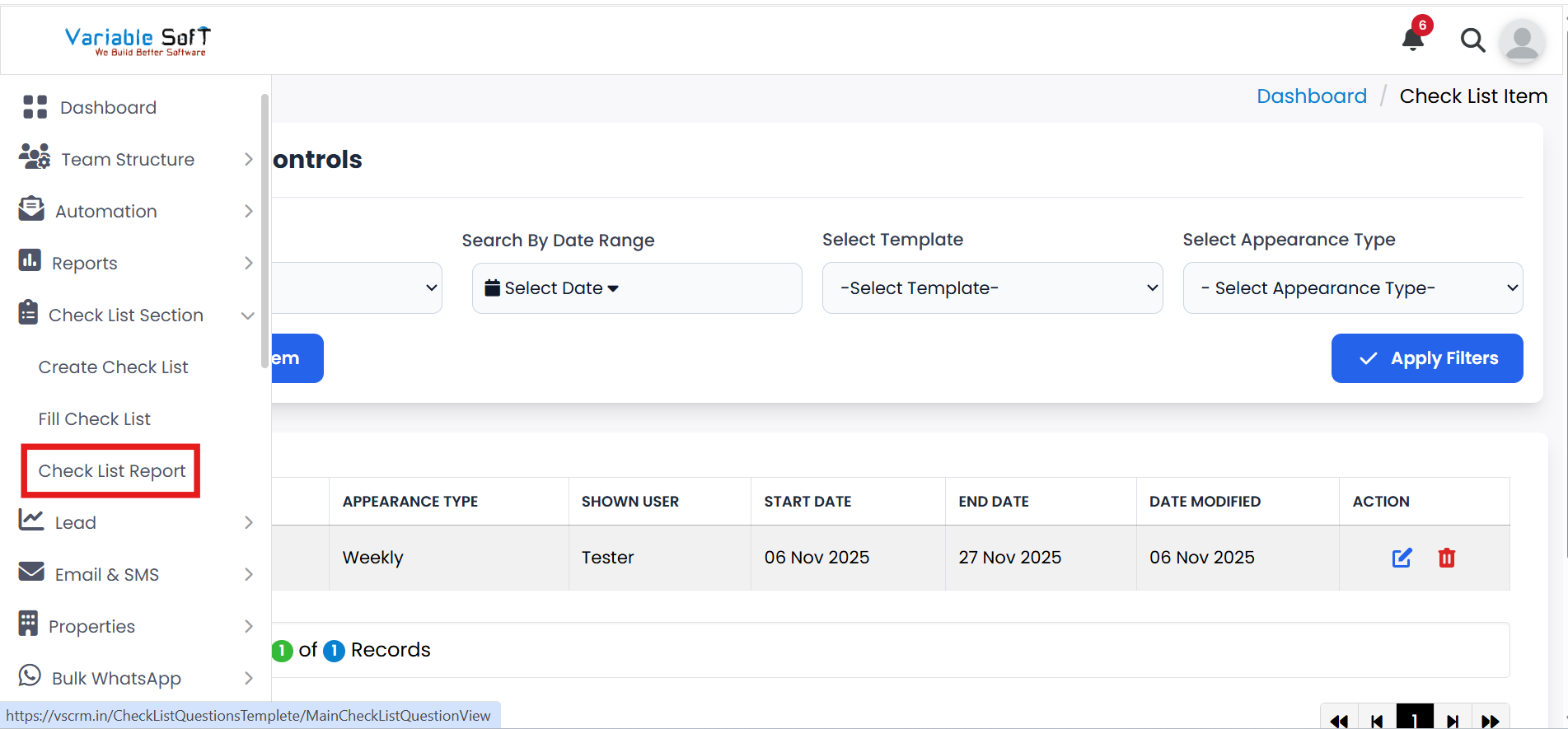
To access this feature, open your CRM Dashboard and click on Check List Section. From the dropdown menu, select Check List Report to open the Check List Report page.
Check List Report Instructions
-
Step 1
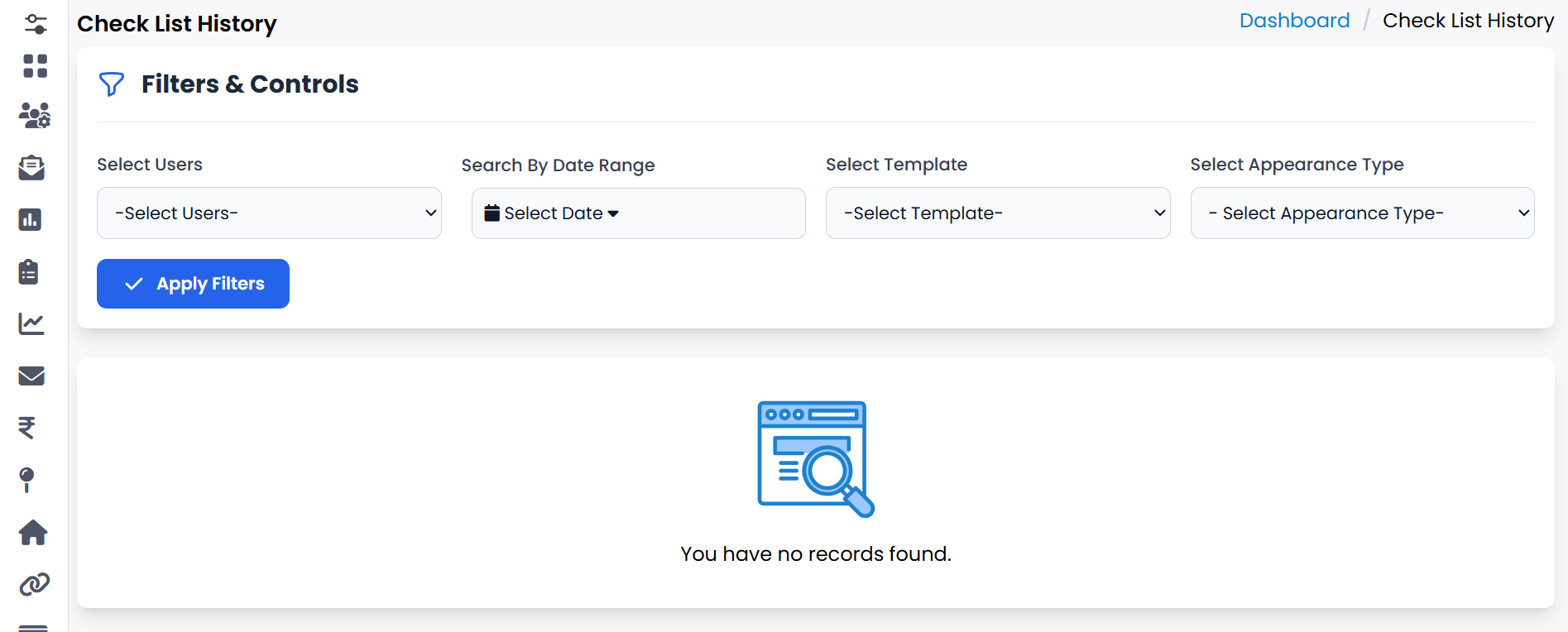
Go to the Check List Report option to view the complete history of your tasks.
-
Step 2
Here, you will find a detailed report of all tasks associated with your checklist.
-
Step 3
You can easily track which tasks have been completed and which tasks are still pending.
-
Step 4
Use this report to analyze progress and ensure no tasks are missed.
Pro Tip: Monitor Regularly
Regularly check your report to stay updated on pending work and maintain accountability in your workflow.