Schedules
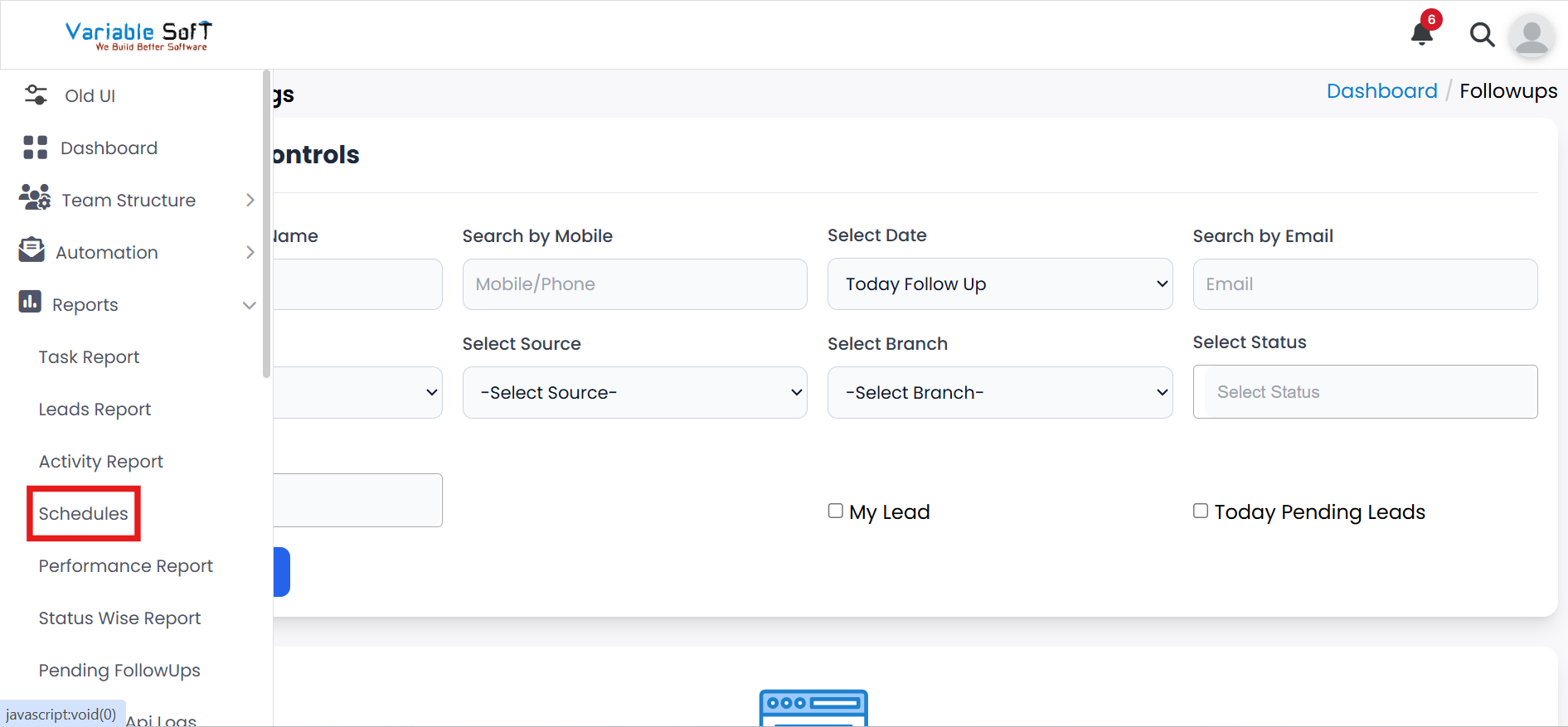
To access this feature, open your CRM Dashboard and click on Reports. From the dropdown menu, select Schedules to open the FollowUps / Meeting page.
Setup Instructions
-
Step 1
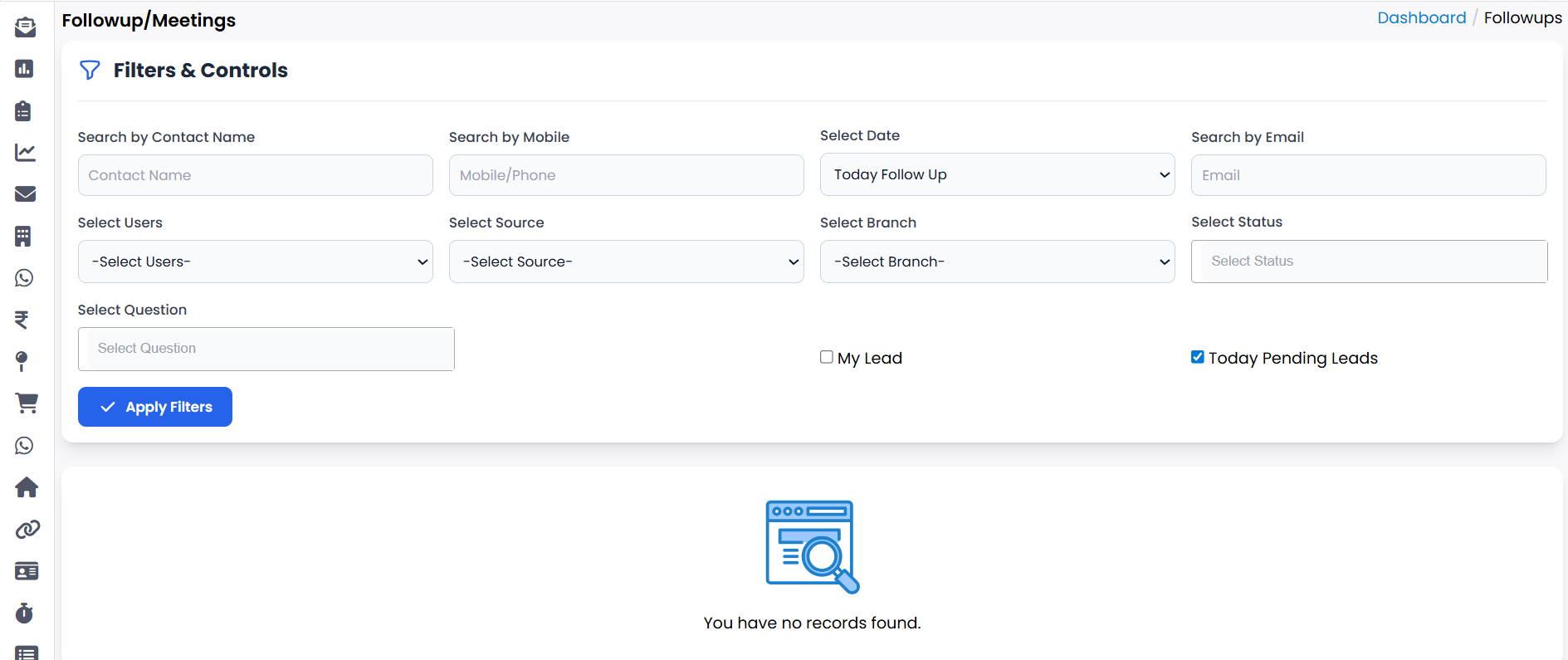
To view scheduled tasks, go to the Schedules page.
-
Step 2
Here you can see all scheduled tasks, including those assigned to different users.
-
Step 3
Users can also view the tasks that are assigned specifically to them.
-
Step 4
Use the scheduling interface to assign new tasks to users or update existing schedules.
-
Step 5
Regularly review scheduled tasks to ensure all activities are planned and tracked efficiently.
💡 Pro Tip: Keep schedules organized
Maintaining clear and up-to-date schedules helps users track their tasks and ensures timely completion of all activities.