Contact
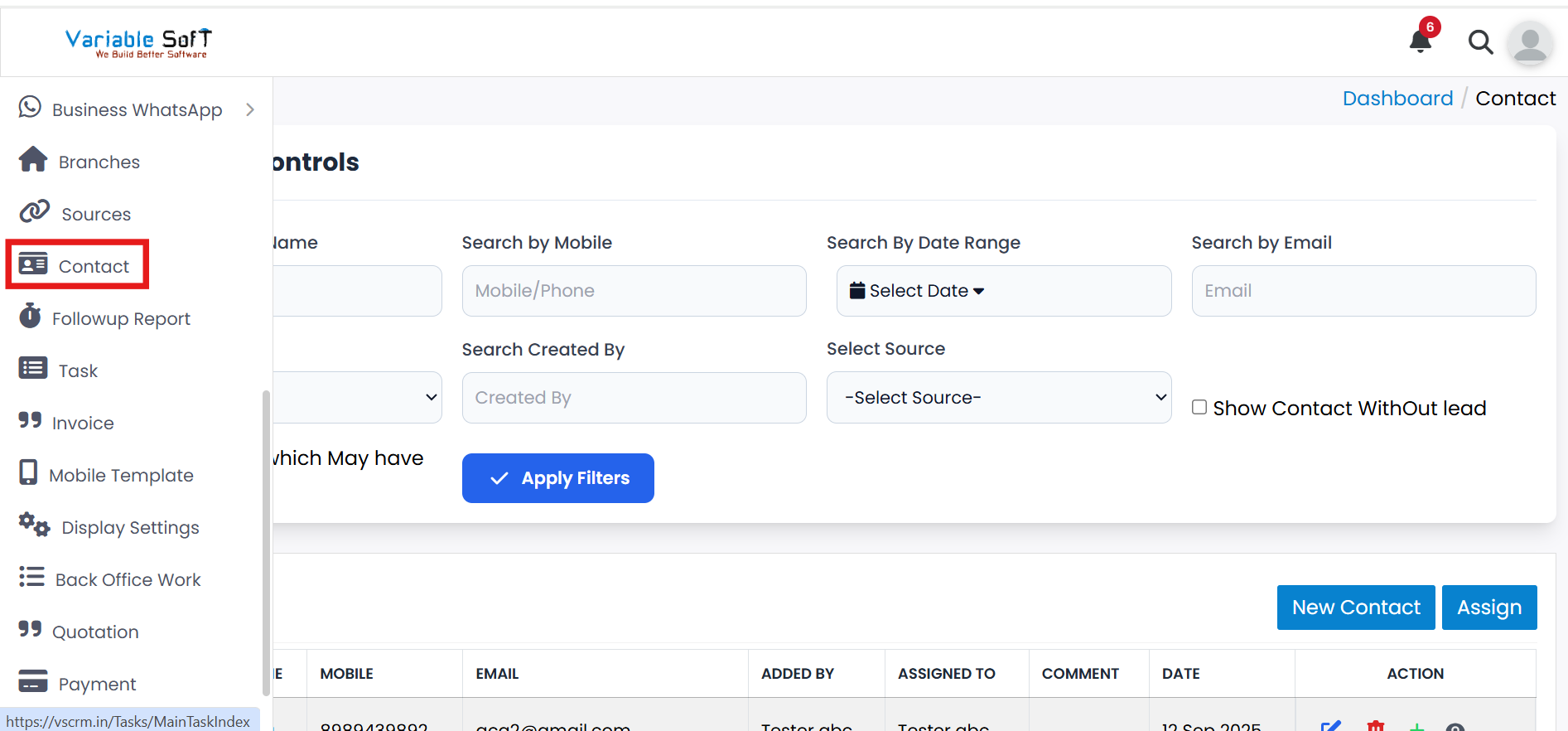
To access this feature, open your CRM Dashboard and click on Contact. The Contact page will open.
Sources Instructions
-
Step 1
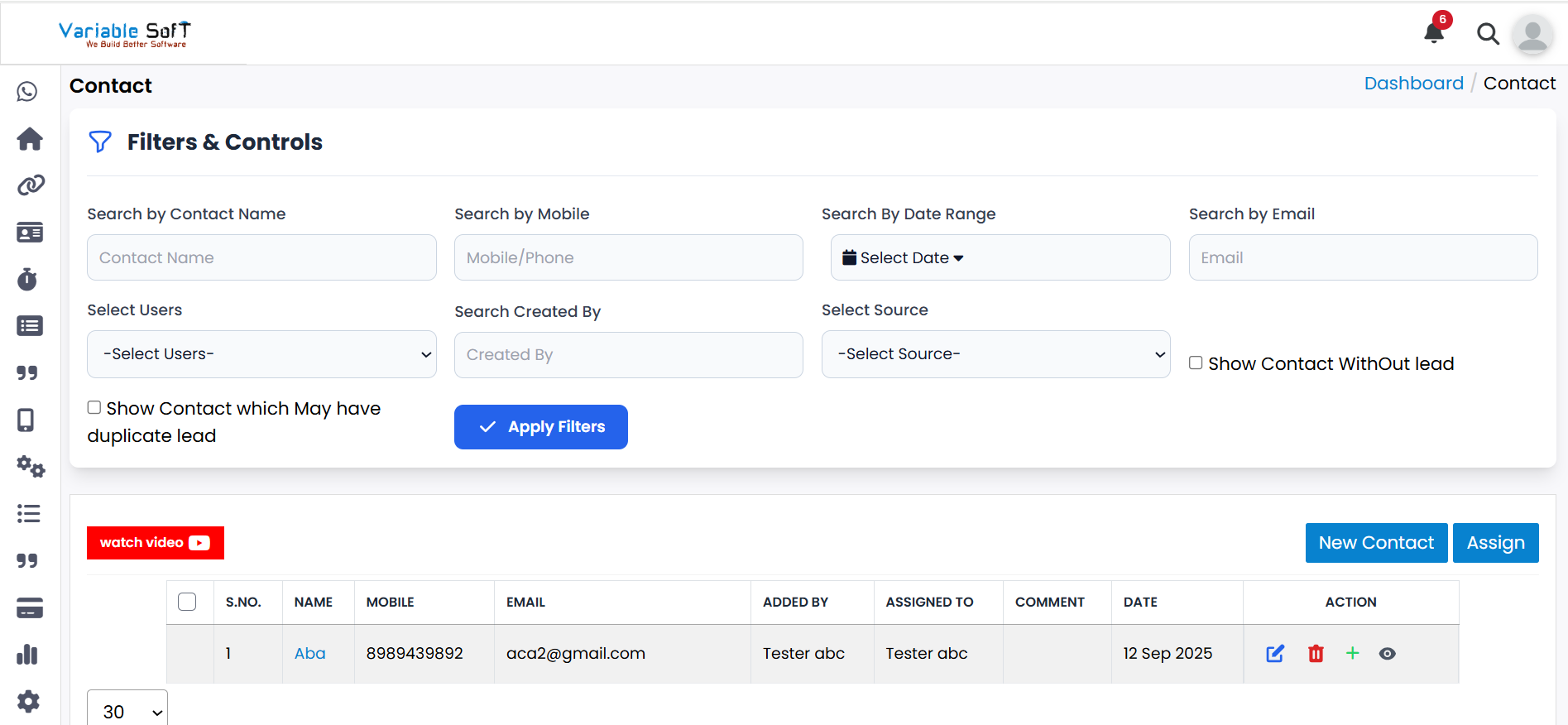
If you want to view your CRM contacts, you can view them here.
-
Step 2
If you want to add a new contact, simply click the New Contact button to add it.
-
Step 3
If you want to edit an existing contact, click the Edit button to modify its details.
-
Step 4
If you want to delete a contact, simply click the Delete button.
-
Step 5
If you want to assign a contact, click the Assign button.
-
Step 6
If you want to add a lead, click the Add Lead button.
-
Step 7
If you want to view the contact details, click the Contact Detail button.
Quick Actions
💡 Pro Tip: Manage Contacts Efficiently
Keep your contact information up to date and organized to improve communication and build stronger relationships.