Bulk Template
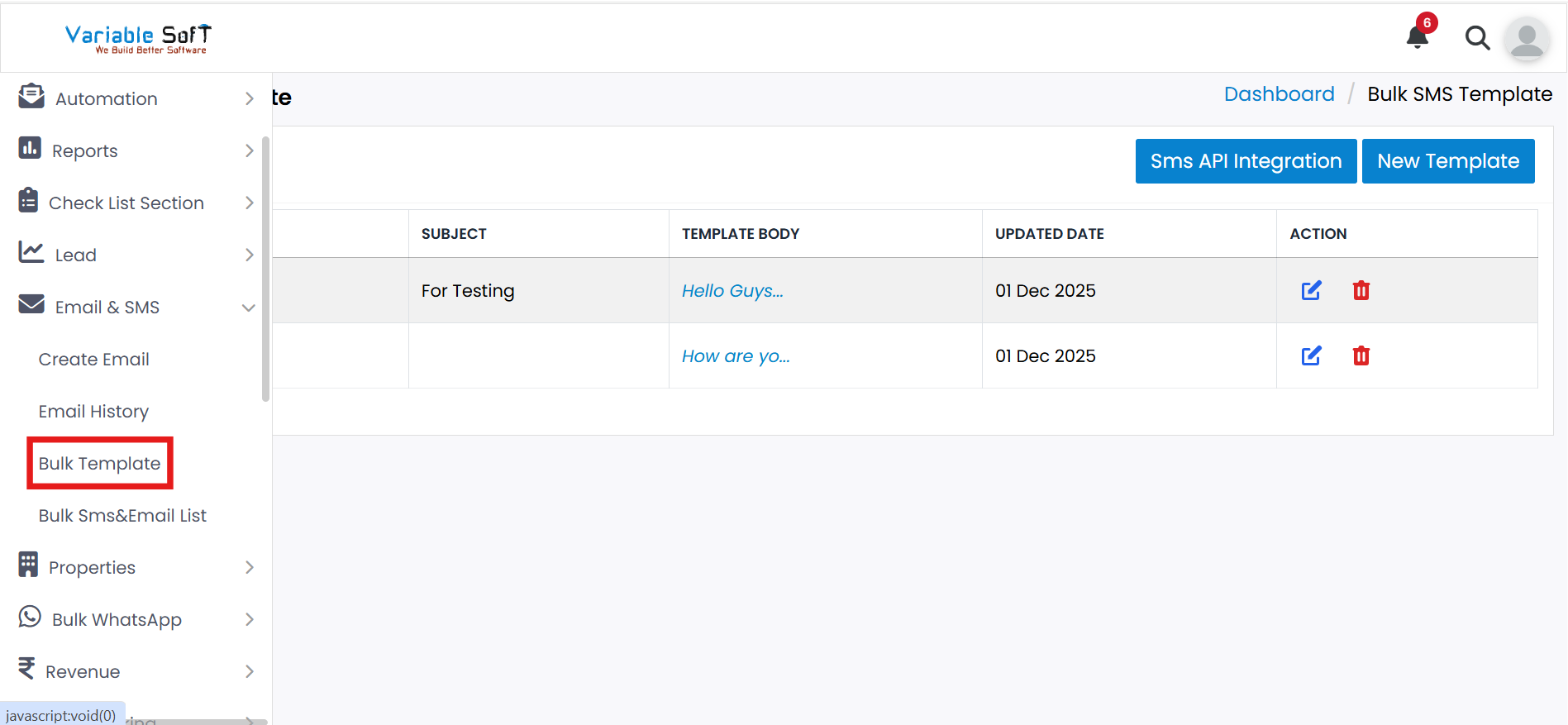
To access this feature, open your CRM Dashboard and click on Email & SMS. From the dropdown menu, select Bulk Template to open the Bulk SMS Template page.
Bulk Template Instructions
-
Step 1
Go to the Bulk Template section under the Email & SMS option.
-
Step 2
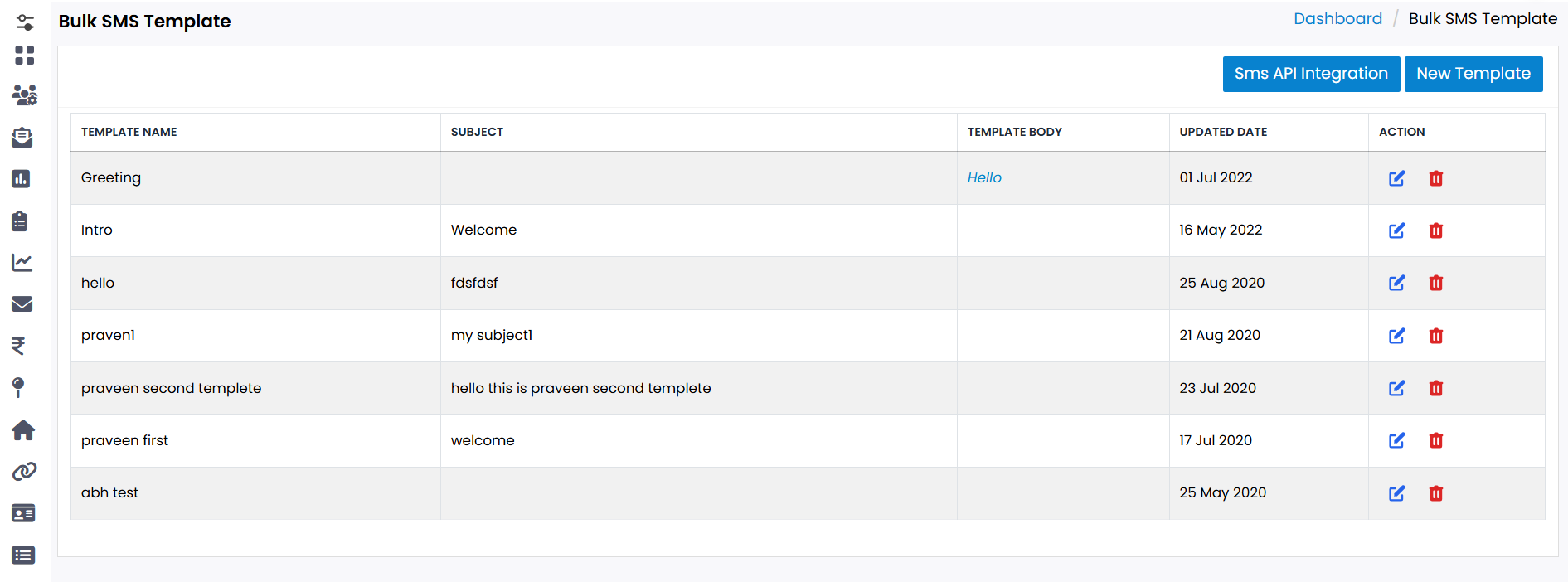
To add a new template, click the New Template button and fill in the required details.
-
Step 3
For SMS integration, click the SMS API Integration button and configure your API settings.
-
Step 4
You can Edit any existing template by selecting it and updating the details.
-
Step 5
You can also Delete templates that are no longer needed.
Quick Actions
Pro Tip: Keep Templates Organized
Regularly update and organize your templates to ensure quick access and smooth Email/SMS campaigns.