Setup Auto Response
To access this feature, open your CRM Dashboard and click on Business WhatsApp. From the dropdown menu, select Setup Auto Response to open the WhatsApp Auto Response List page.
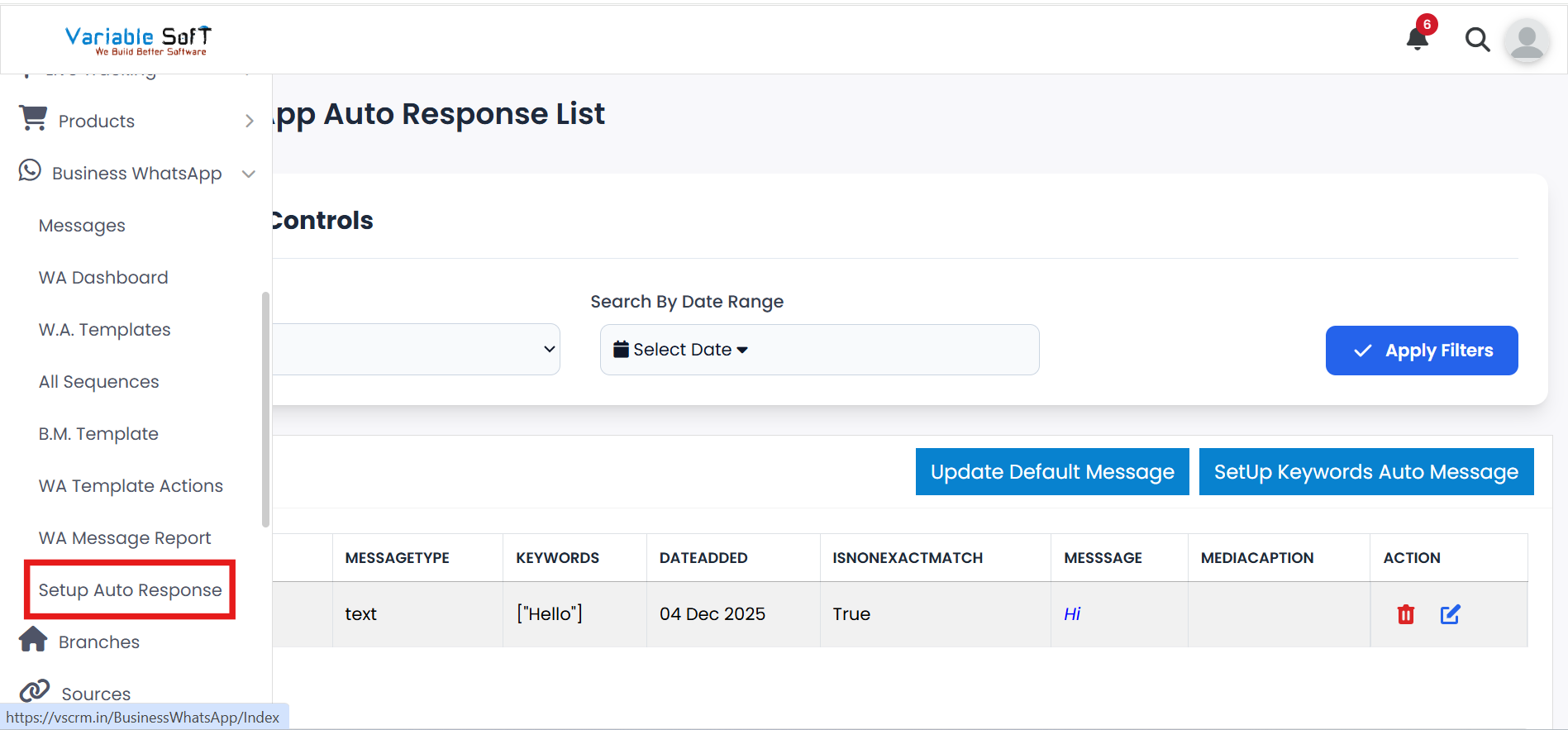
Setup Auto Response Instructions
-
Step 1
When you choose the Setup Auto Response option, the WhatsApp Auto Response List page will open.
-
Step 2
If you want to update default messages, click on the Update Default Message button.
-
Step 3
If you want to set up keyword-based auto messages, click on the SetUp Keywords Auto Message button.
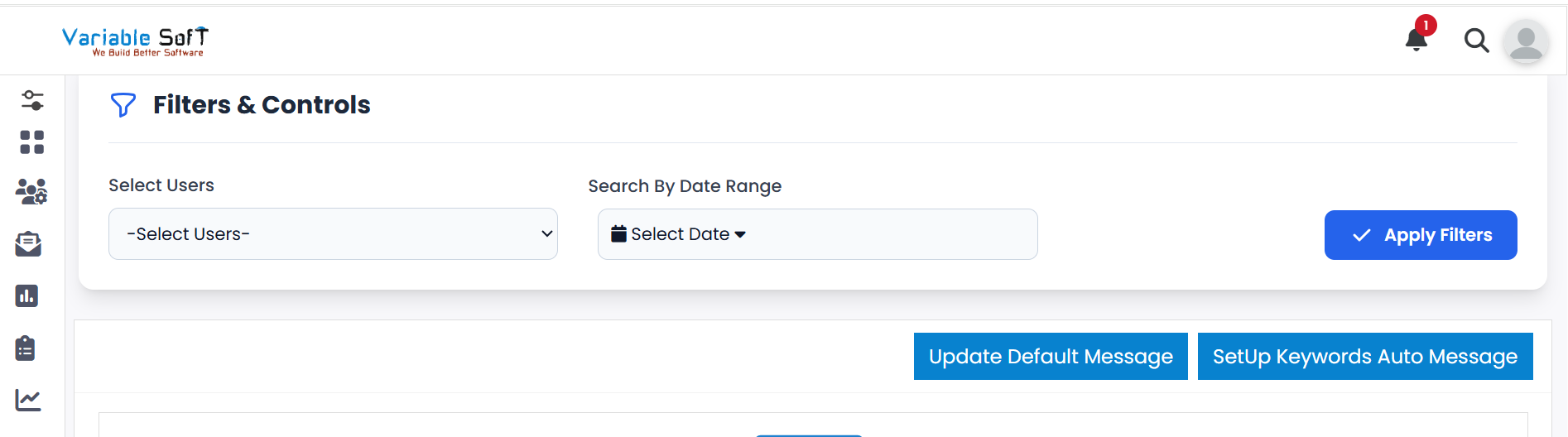
Quick Actions
💡 Pro Tip: Use Auto Responses Smartly
Set up clear and relevant auto replies to respond faster and improve communication with leads.