Leads Report
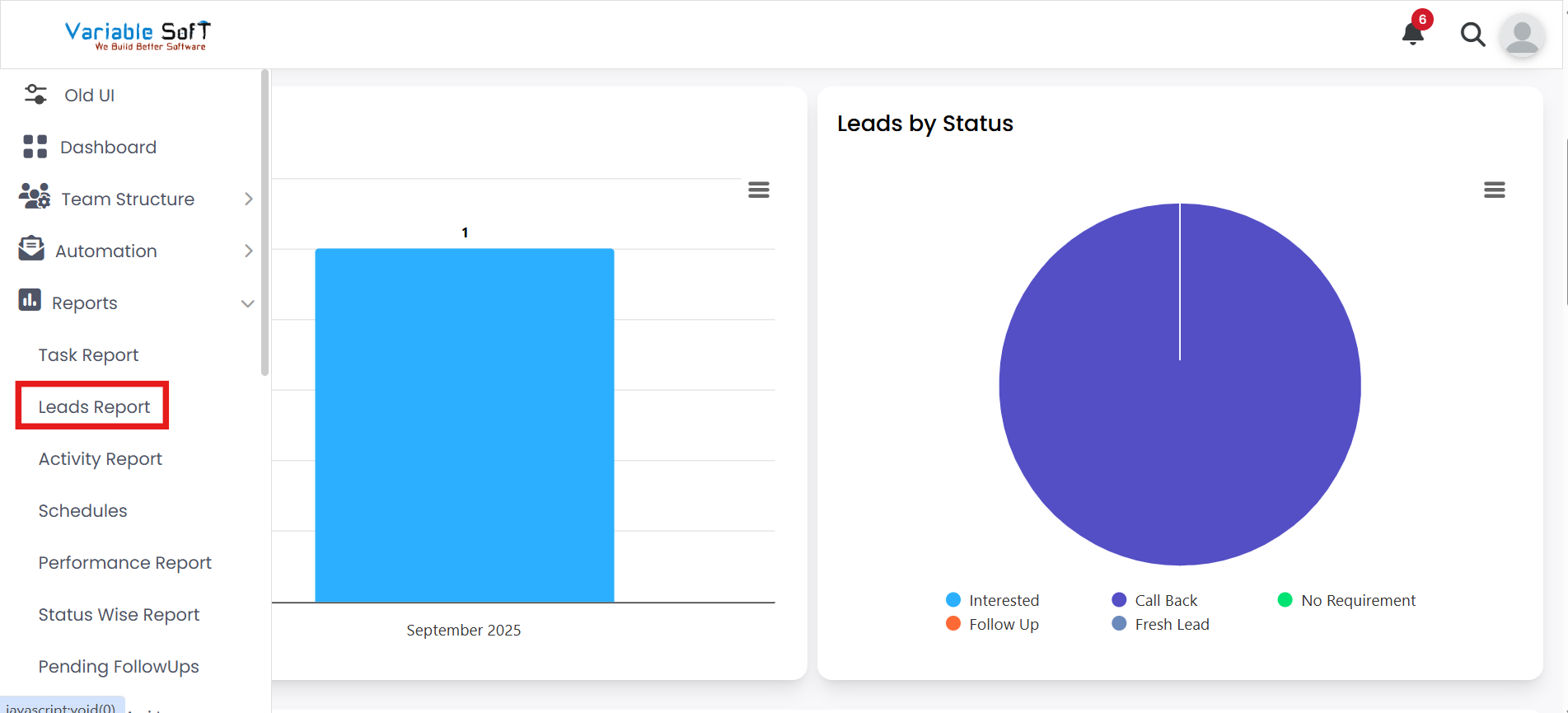
To access this feature, open your CRM Dashboard and click on Reports. From the dropdown menu, select Leads Report to open the Leads Report page.
Setup Instructions
-
Step 1
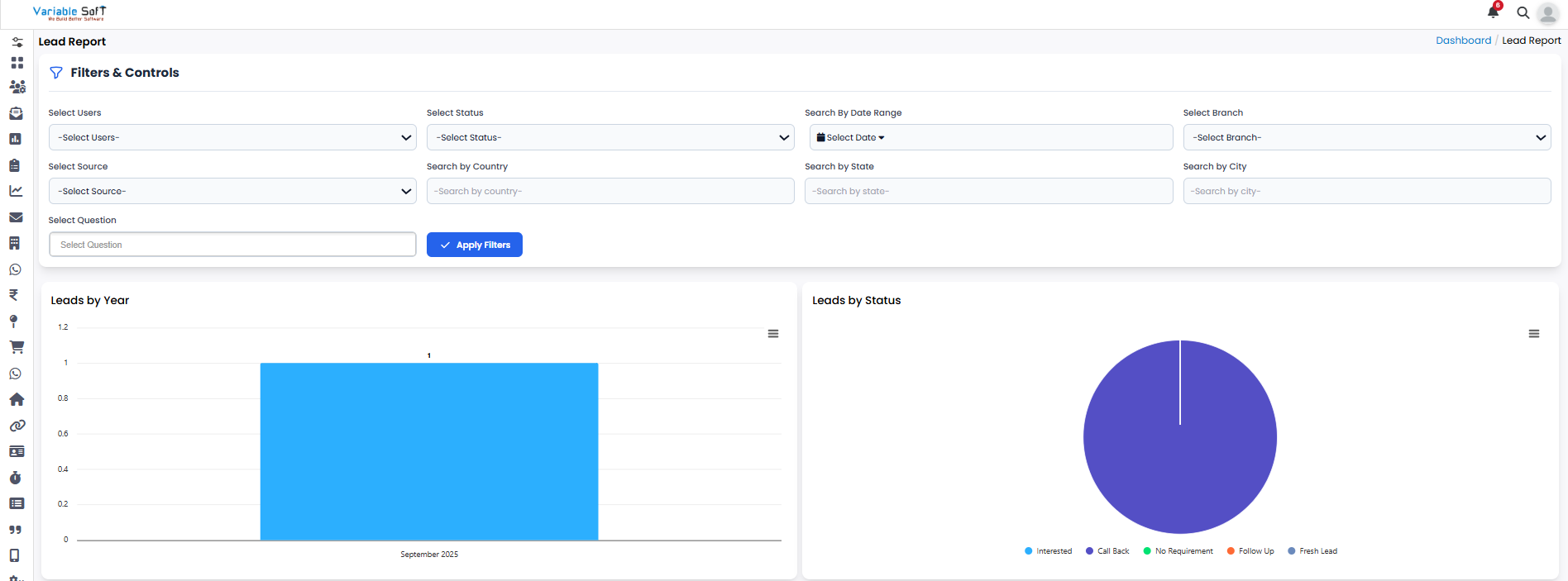
If you want to see a report of leads, click on the Leads Report page.
-
Step 2
Here you can see a comprehensive overview of all leads in the system.
-
Step 3
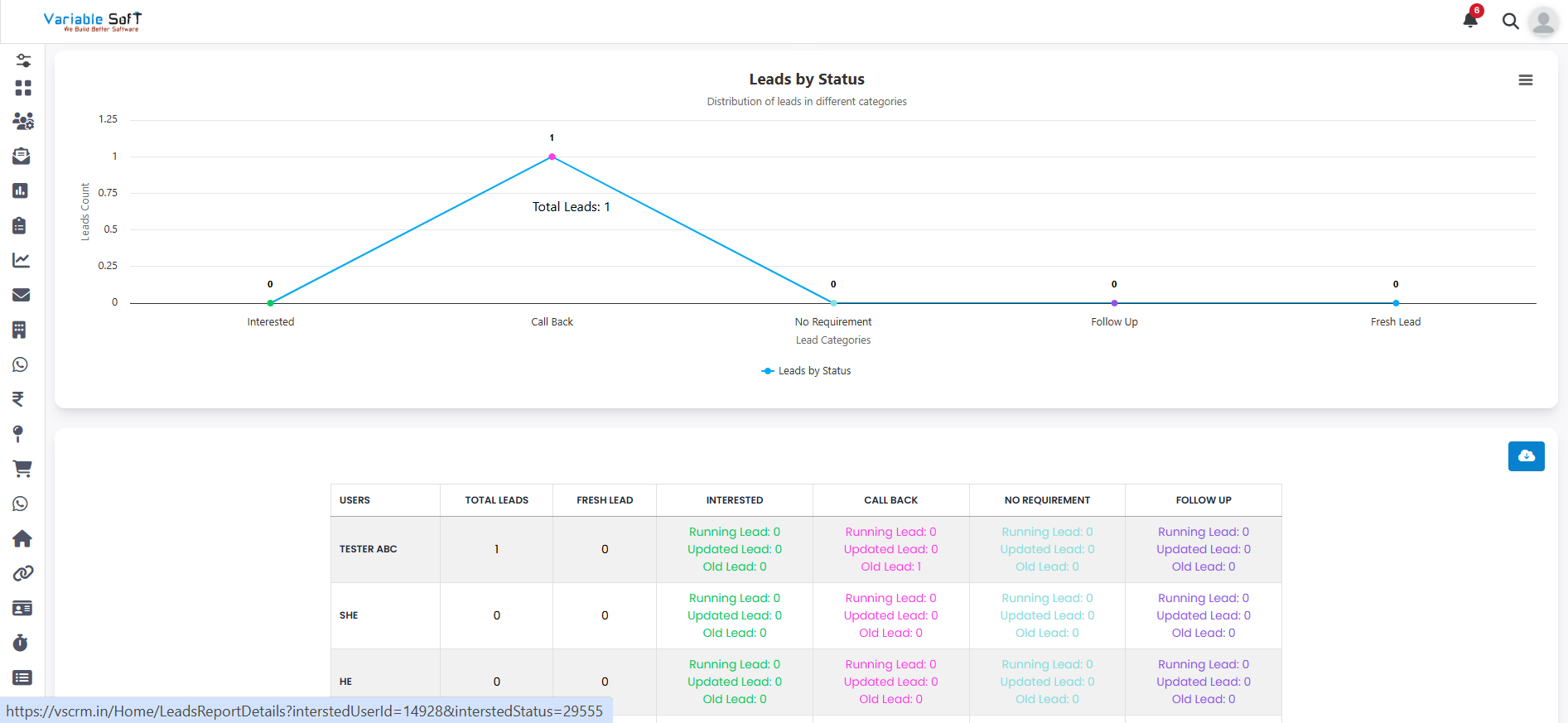
You can check how many leads are newly created and how many have been updated.
-
Step 4
You can also view how many leads are in progress and how many are old.
-
Step 5
All lead-related information is displayed clearly, making it easy to track and manage.
💡 Pro Tip: Regularly review your leads
Checking lead reports frequently helps you stay on top of progress, follow-ups, and ensures that no lead is overlooked.