Follow-Ups Dashboard
To access this feature, open your CRM Dashboard and click on Follow Up Report. The Follow-Ups Dashboard page will open.
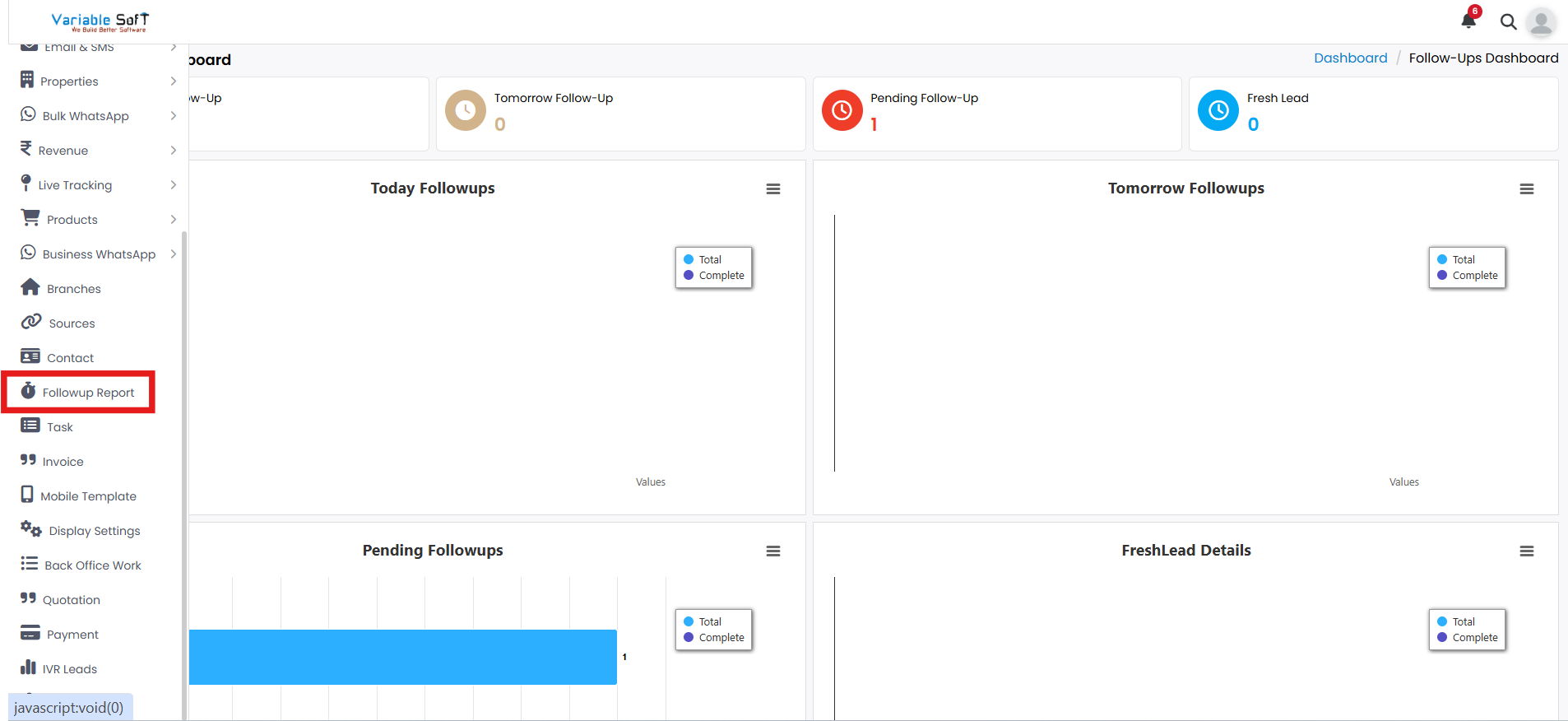
Follow-Up Dashboard Instructions
-
Step 1
To view the follow-up reports, navigate to the Follow-Ups page.
-
Step 2
The page displays multiple sections: Today’s Follow-Up, Tomorrow Follow-Up, Pending Follow-Up, and Fresh Lead.
-
Step 3
Click on any section to view specific follow-up details.
-
Step 4
Explore detailed reports and manage your follow-ups from the dashboard.
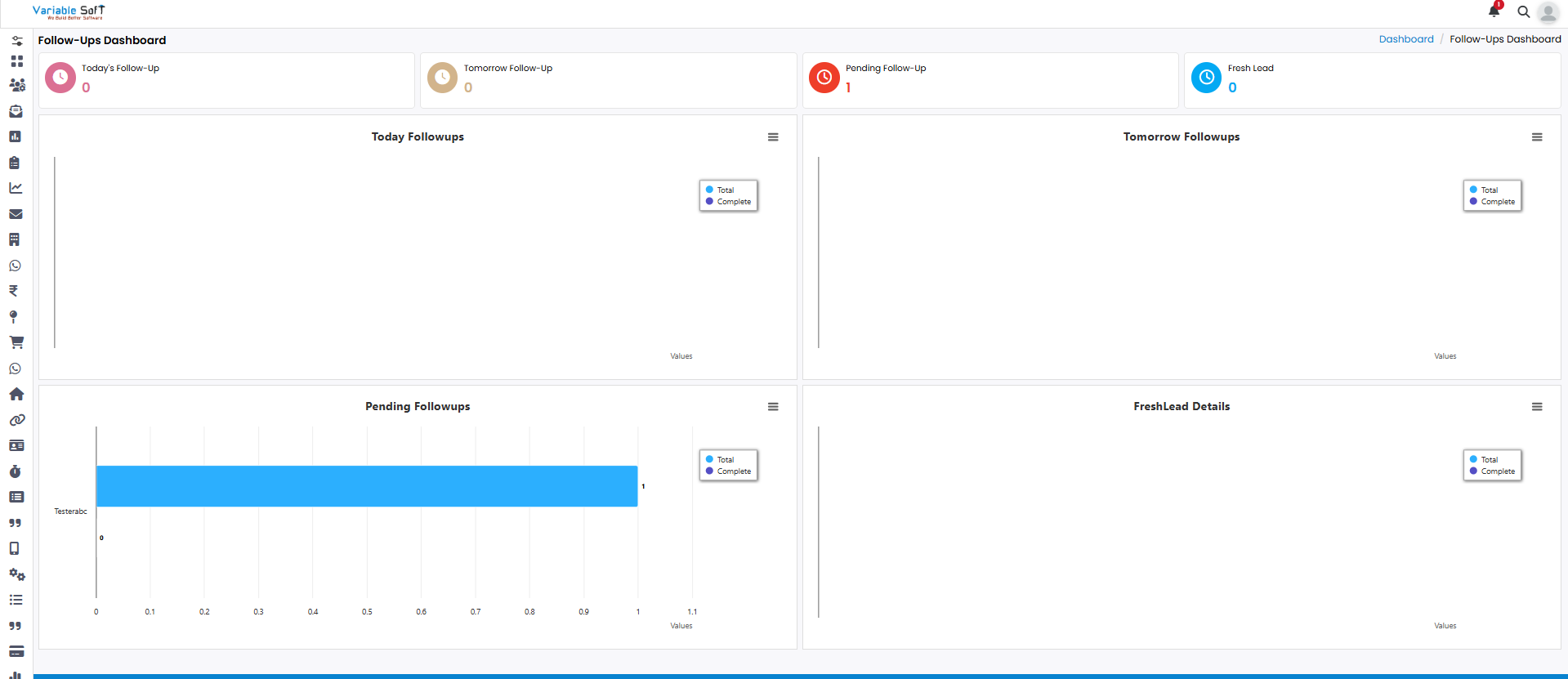
Quick Actions
⚠️ Important Note
The Follow-Ups Dashboard gives you a complete overview at a glance. Make sure to check the pending follow-ups regularly to avoid missing important tasks.