Change Rights
Setup Instructions
-
Step 1
Admin can assign specific rights to ABM and ABE based on their responsibilities. This is why the Change Rights option is used — to control and manage access effectively.
-
Step 2
Click on the Change Rights button.
-
Step 3
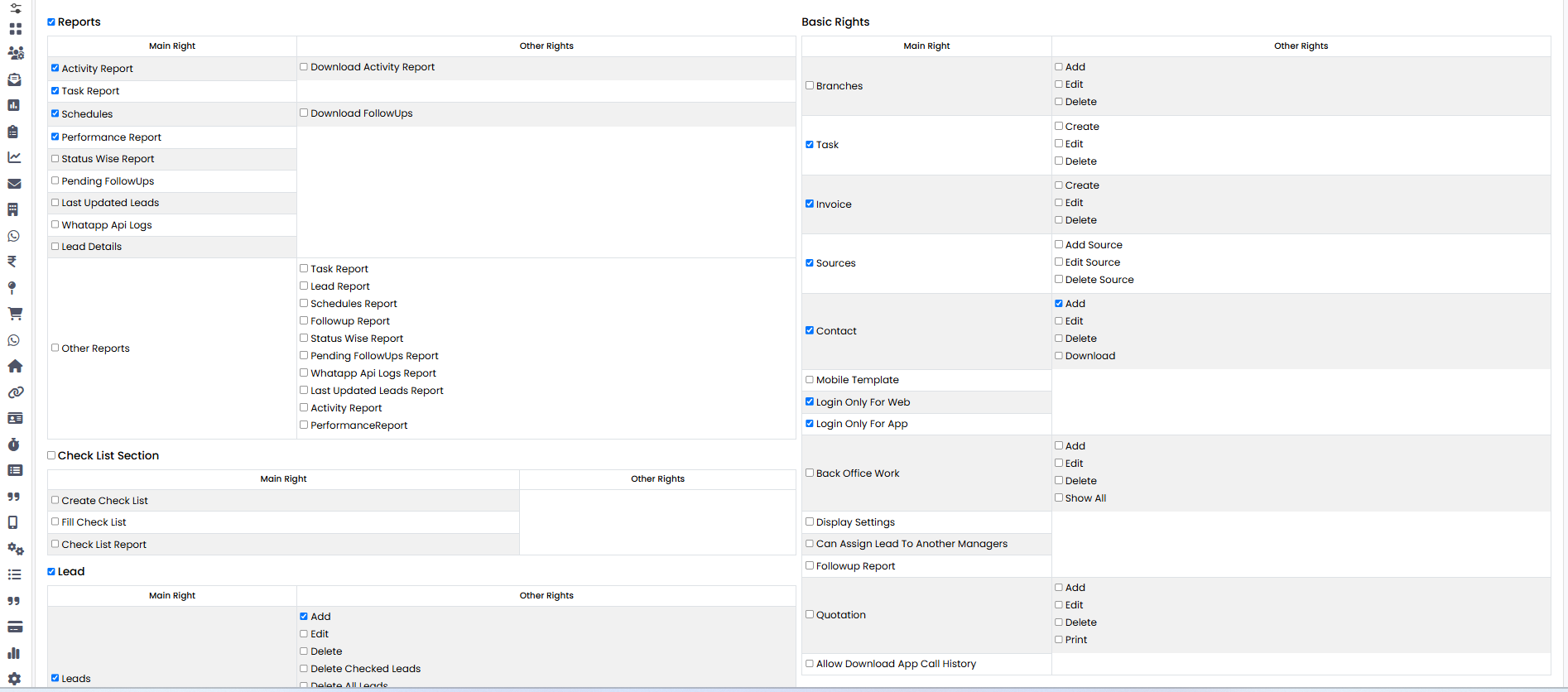
A page will open showing the available rights.
-
Step 4
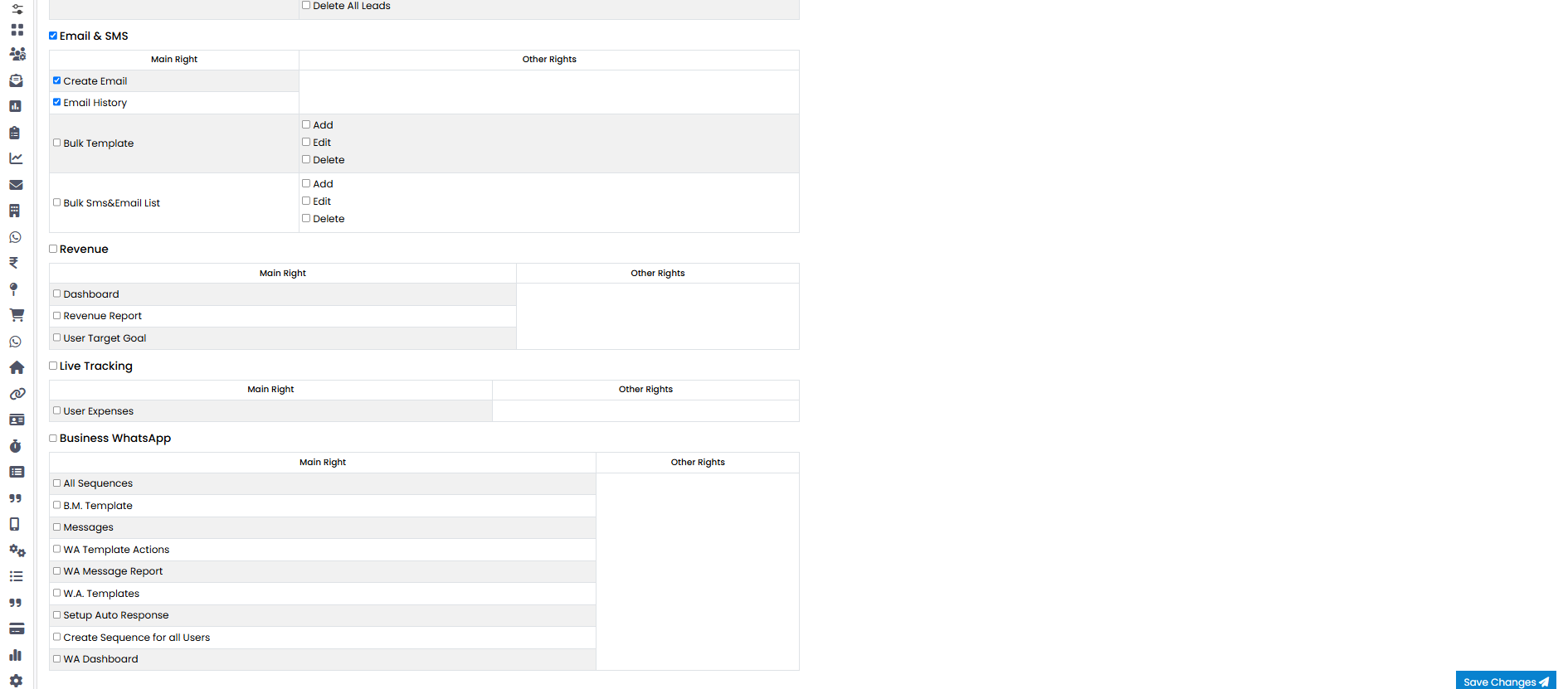
Select the rights you want to assign.
-
Step 5
After selecting, click the Save Changes button.
-
Step 6
Your rights will be successfully assigned.

🎥 Video Guide
If you don't understand the process, watch the video help below. The video explains every step clearly.
Watch Video💡 Pro Tip: Assign Rights Carefully
Make sure you assign the correct rights to users to maintain proper access and workflow.