Download Revenue
Download Revenue Instructions
-
Step 1
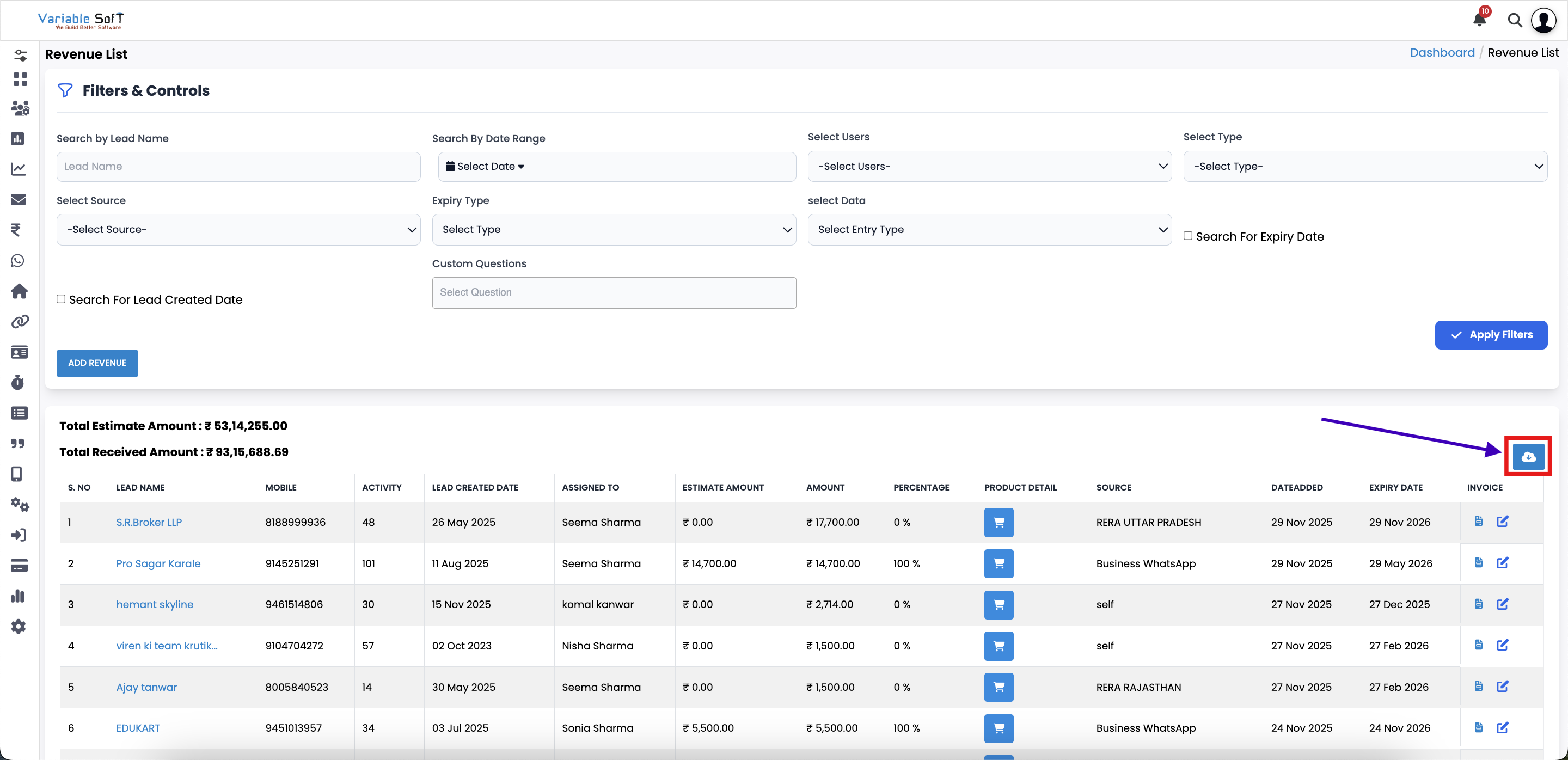
To download the list of revenues, click on the Download Revenue button.
-
Step 2
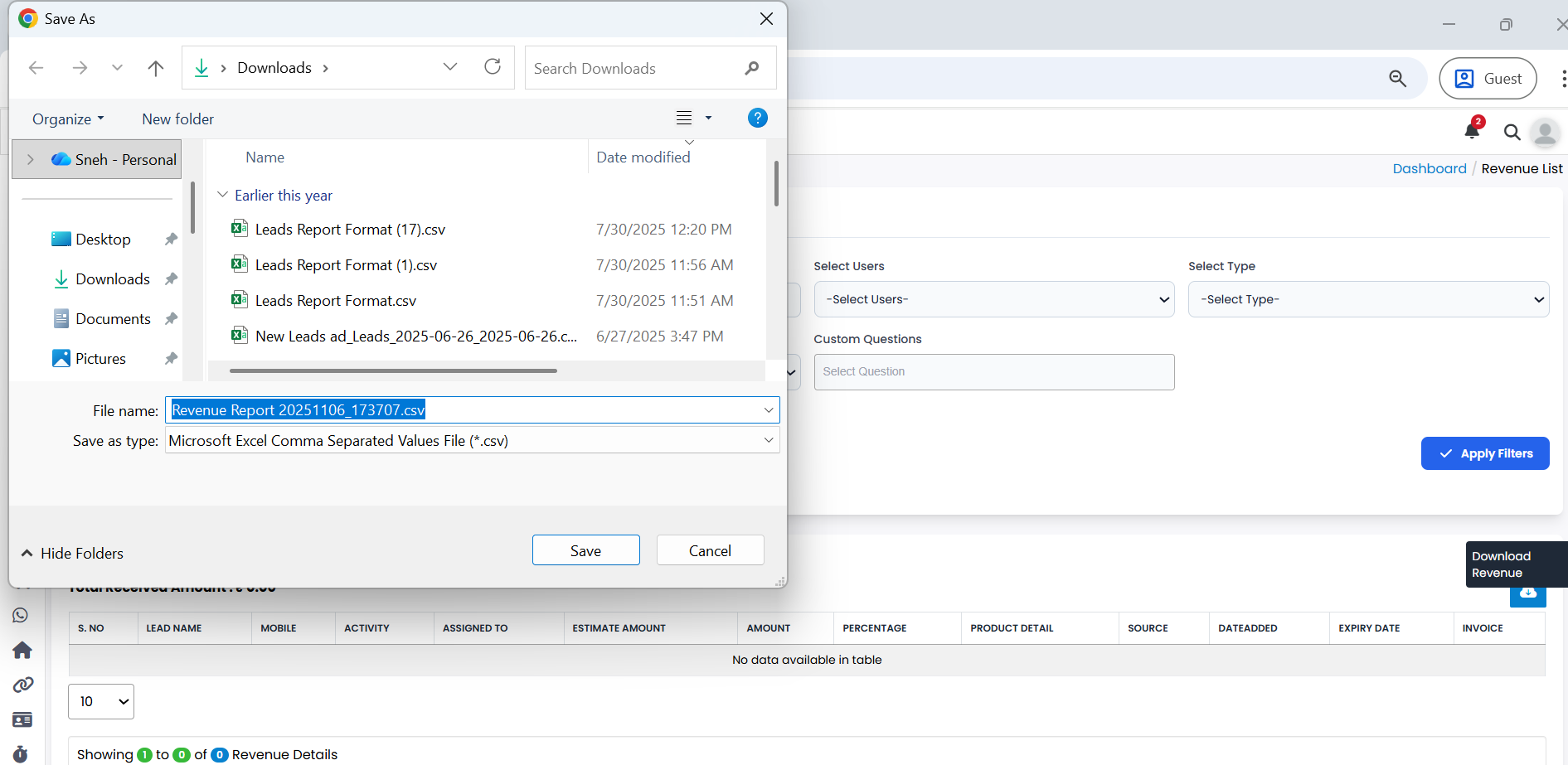
Your file explorer or browser download prompt will open, asking you to choose a location.
-
Step 3
Select your preferred location and click on the Save option.
-
Step 4
The revenue list will be downloaded successfully as a file.
Explore Our App Interface
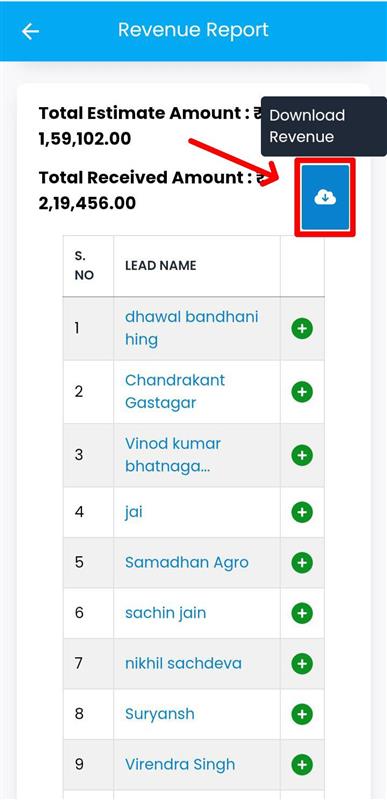
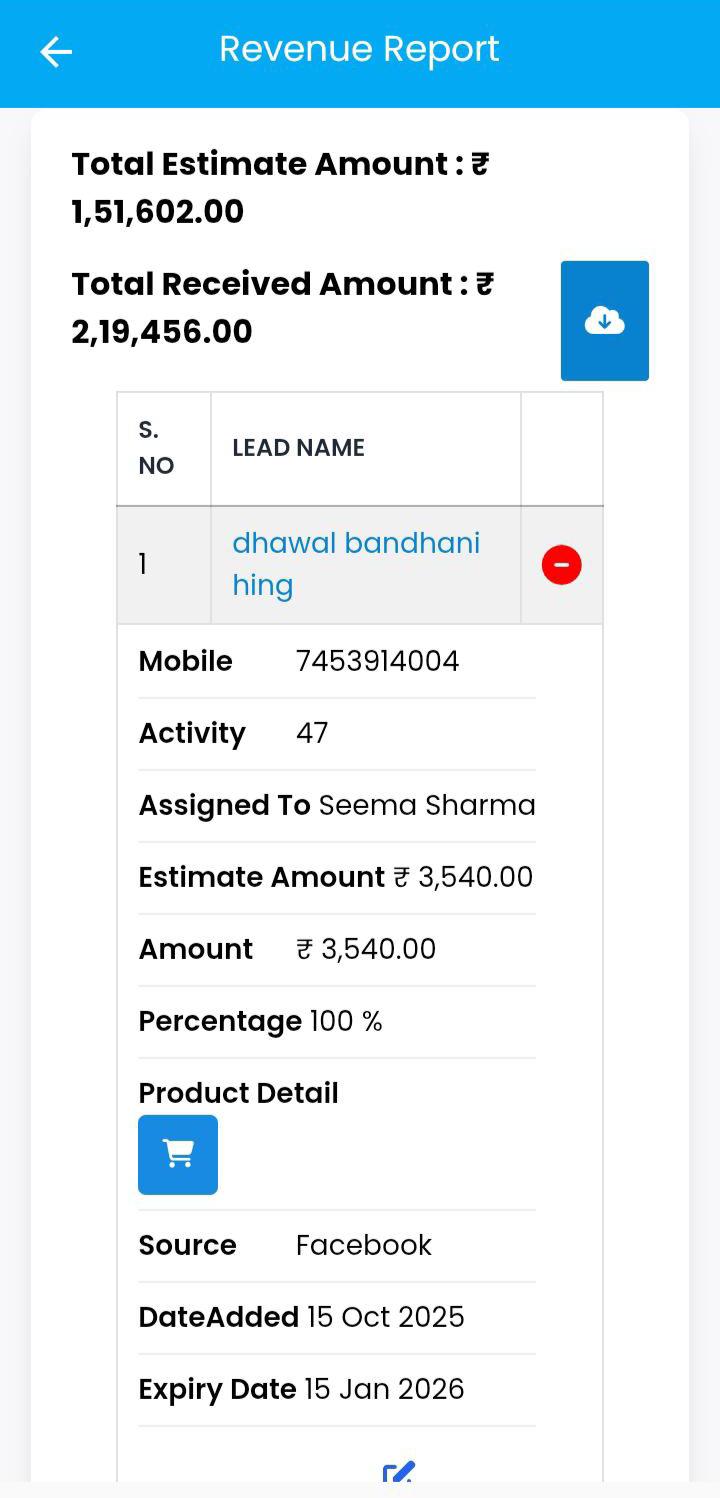
A quick glance at how VSCRM looks on your phone.
💡 Pro Tip: Organize Downloads
Save your downloaded revenue files in a dedicated folder so you can easily track and access them for reporting or audits.