Edit Lead Status
Step-by-step Instructions
-
Step 1
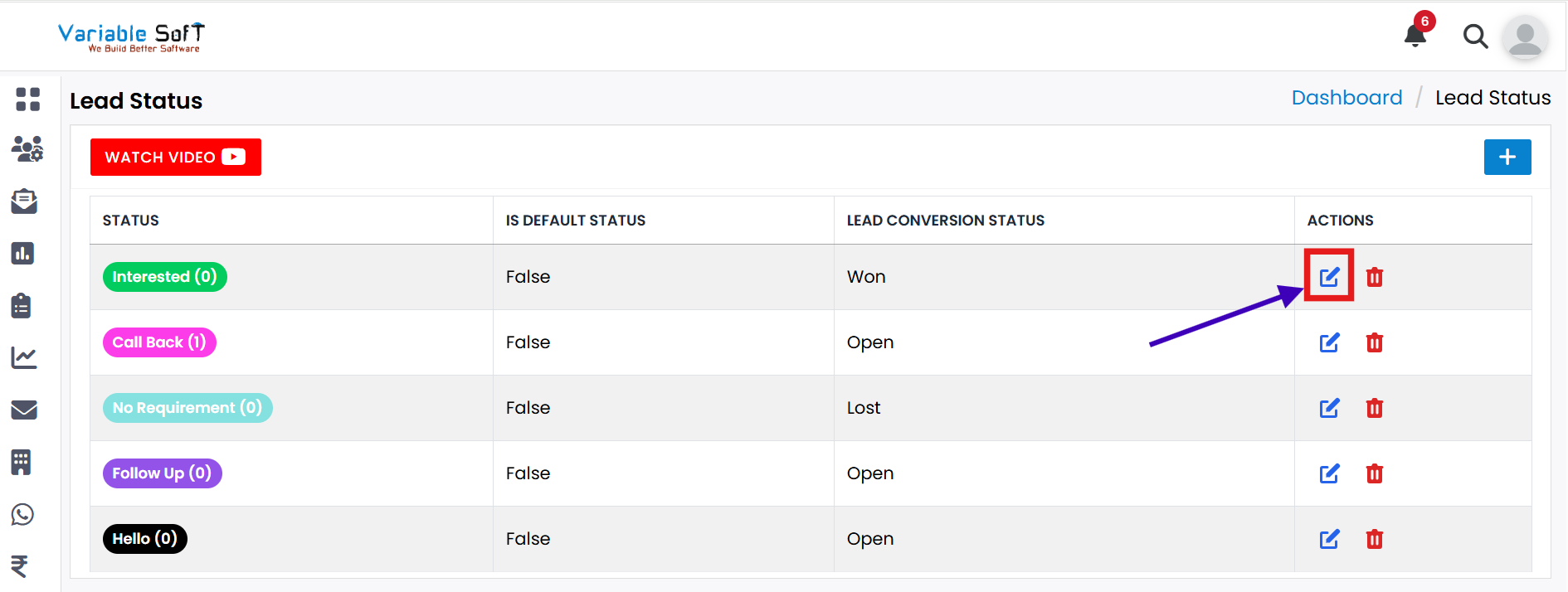
Click on the Edit button for the lead whose status you want to change.
-
Step 2
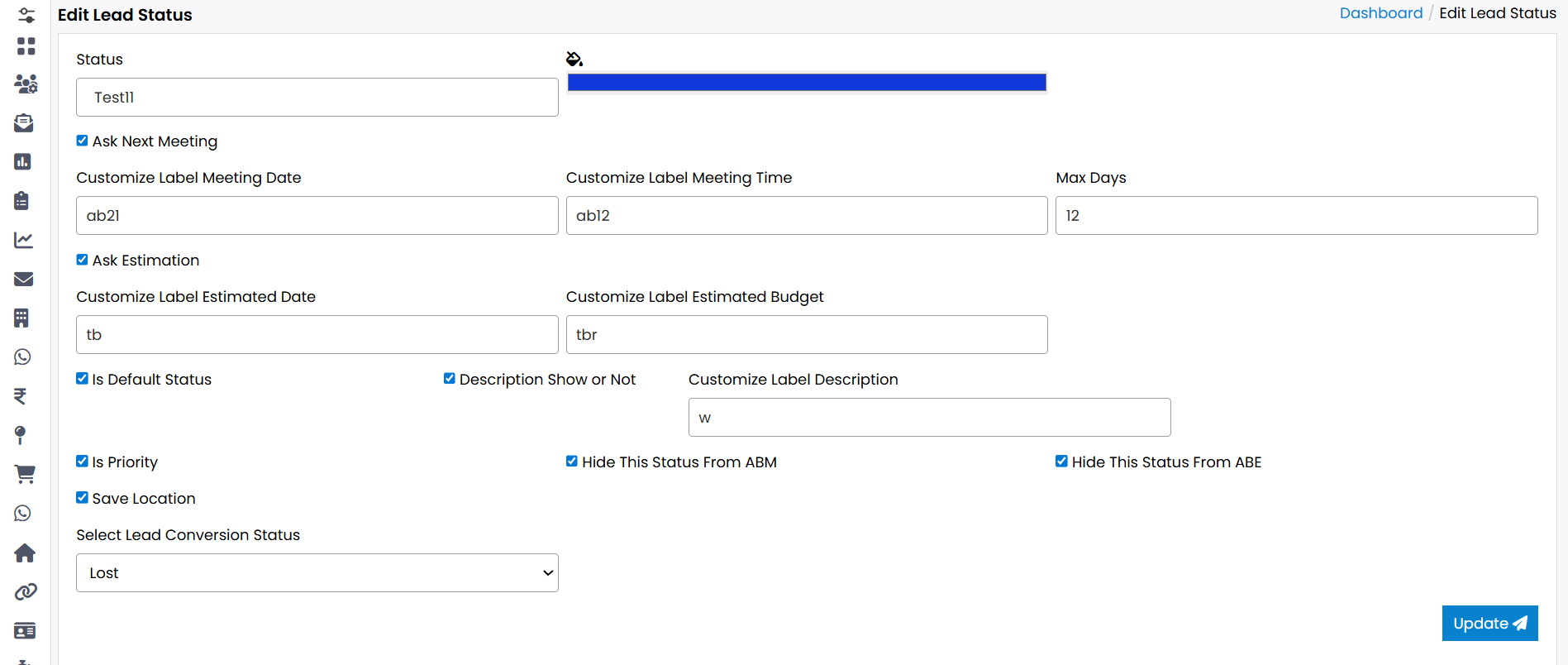
A form titled Edit Lead Status will open.
-
Step 3
Fill in all the required information in the form.
-
Step 4
Once all details are updated, click on the Update button.
-
Step 5
Your lead status will be successfully edited.
Explore Our App Interface
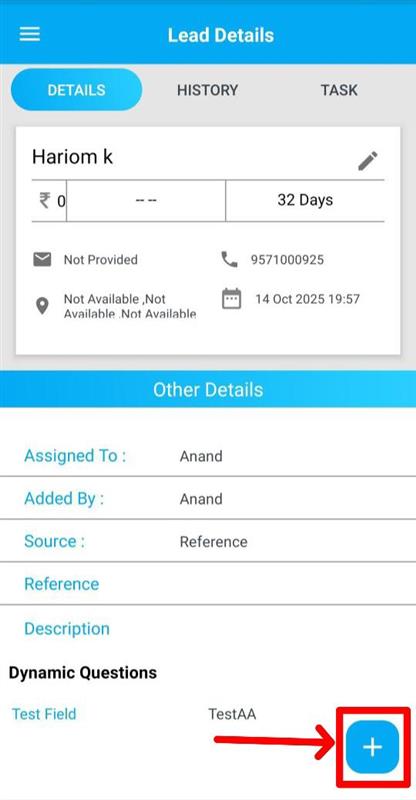
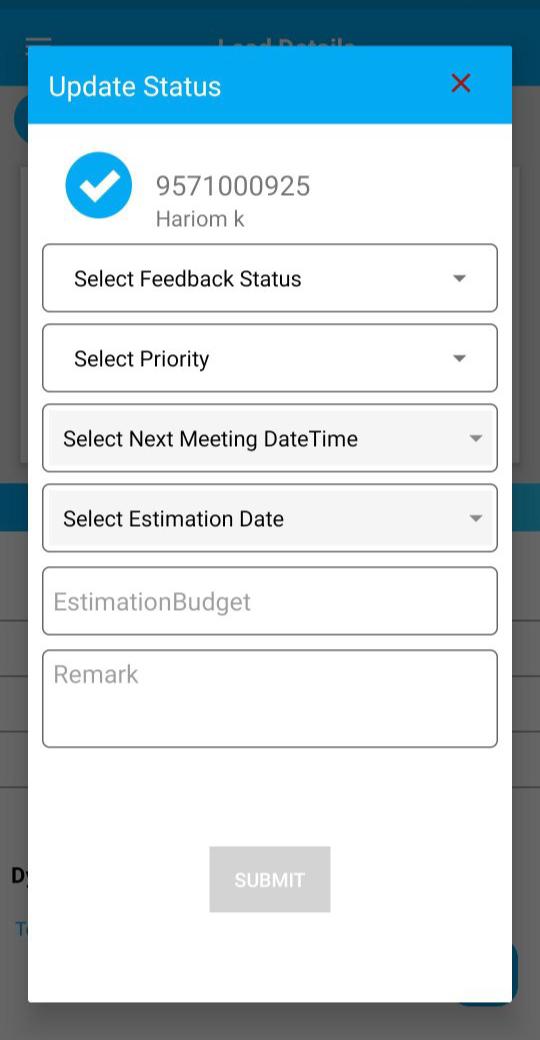
A quick glance at how VSCRM looks on your phone.
💡 Pro Tip: Keep status updates meaningful
Always update lead status with clear and relevant information so your team stays aligned and avoids confusion.