FaceBook Integration
This feature comes under Pull APIs and is used to connect your Facebook assets with VS CRM so that leads from your Facebook Lead Ads flow directly into the CRM.
Setup Instructions
-
Step 1
This feature sits under the Pull APIs section and is used to connect your Facebook assets to VS CRM for lead ingestion.
-
Step 2
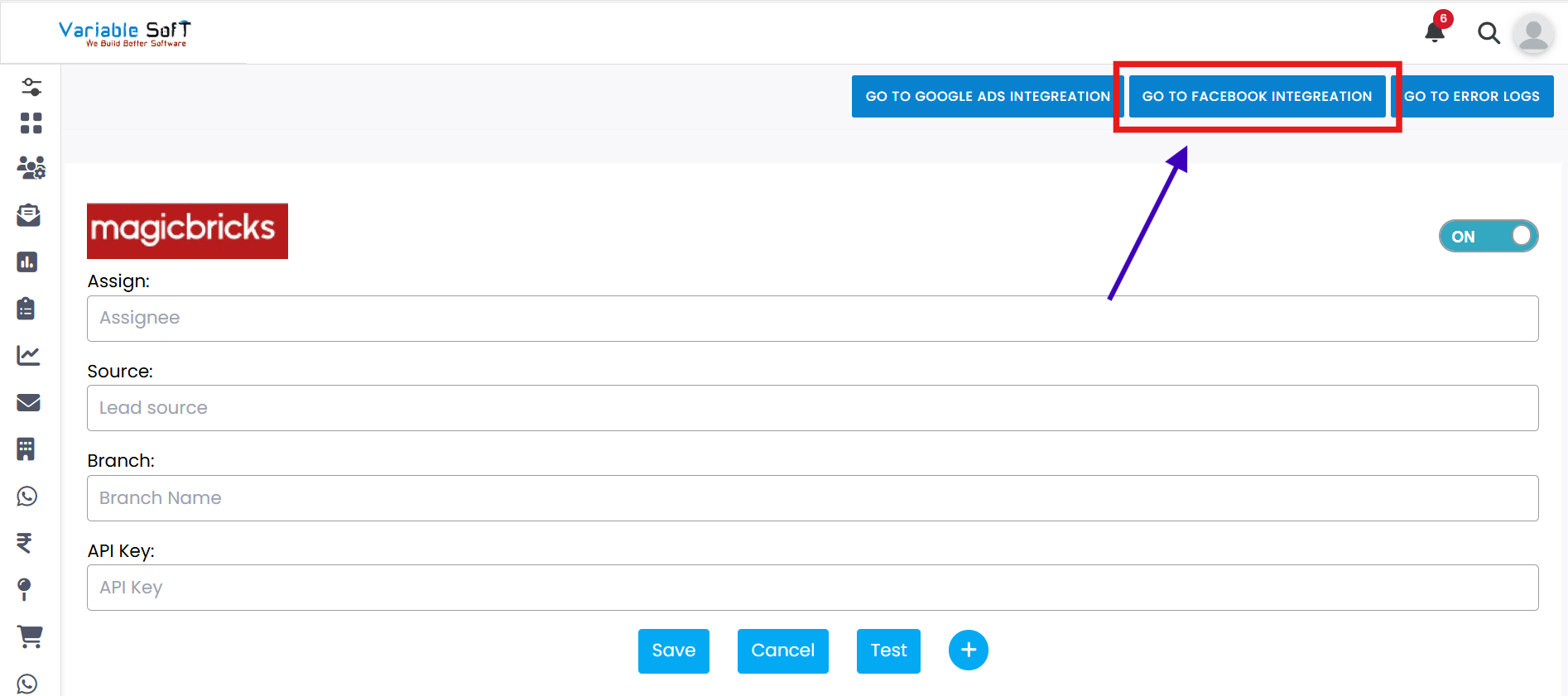
To begin, click Go on FaceBook Integration.
-
Step 3
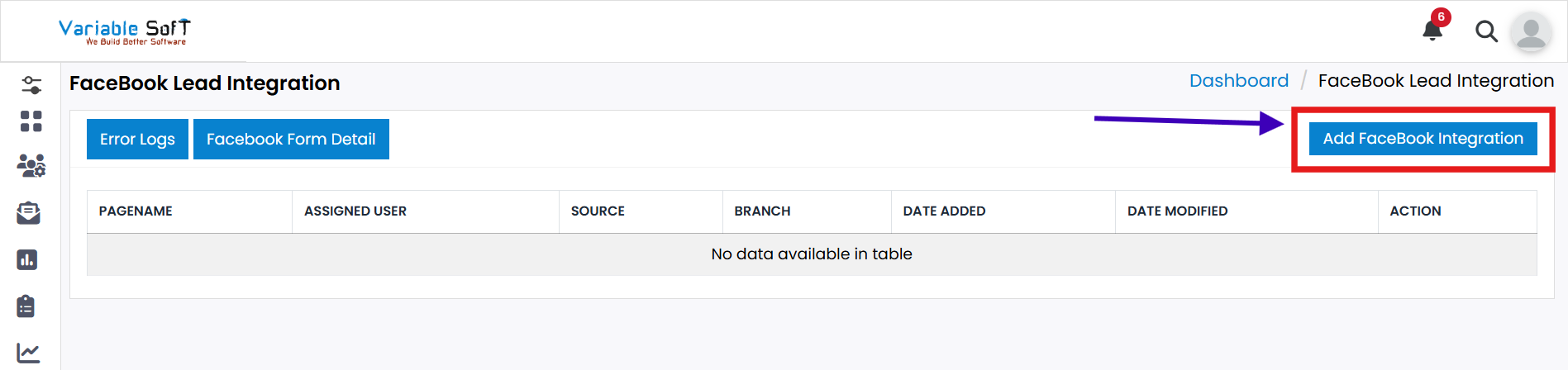
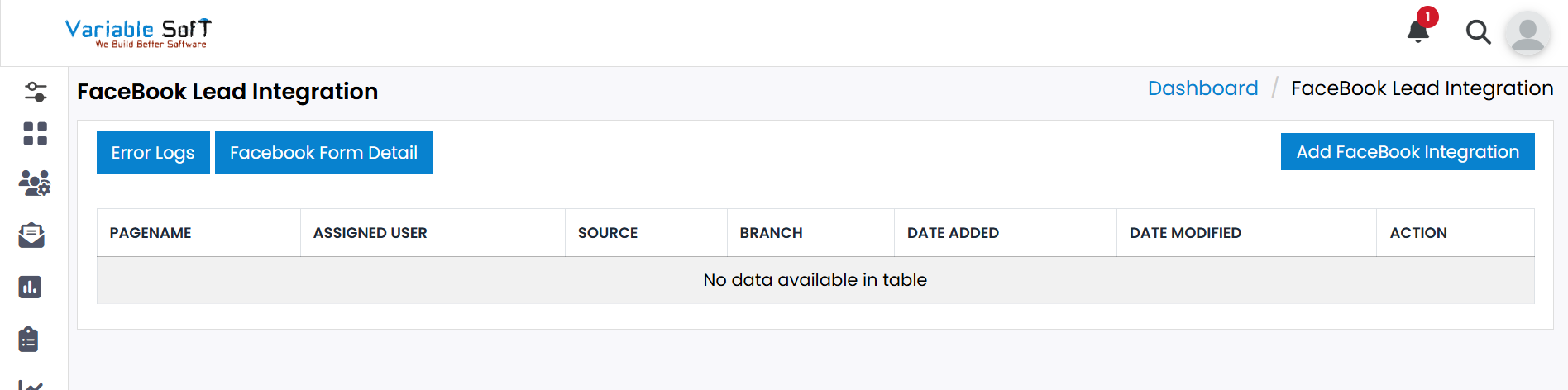
The FaceBook Lead Integration page opens. From here you can:
- Add FaceBook Integration: Add a new Facebook connection.
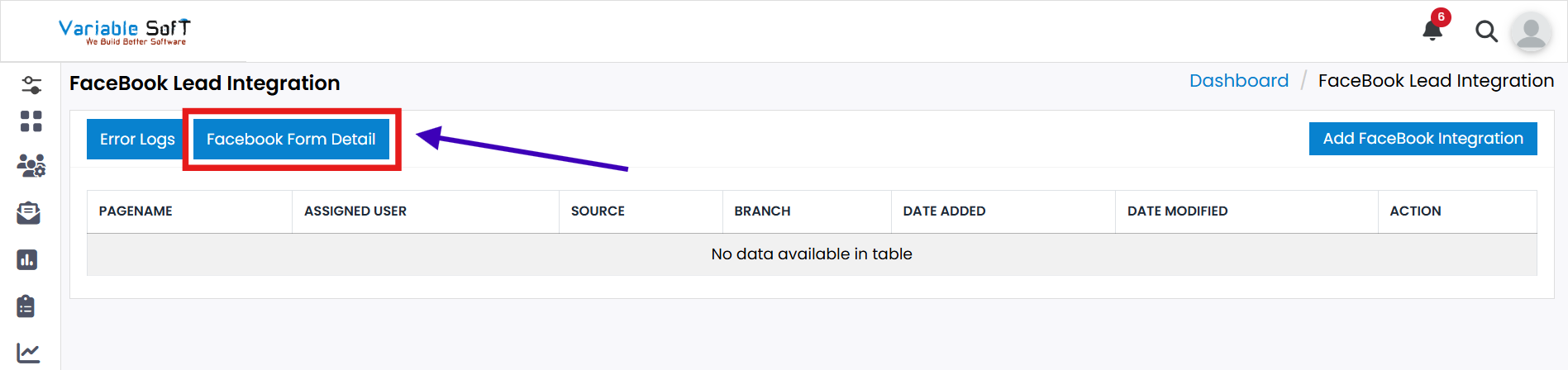
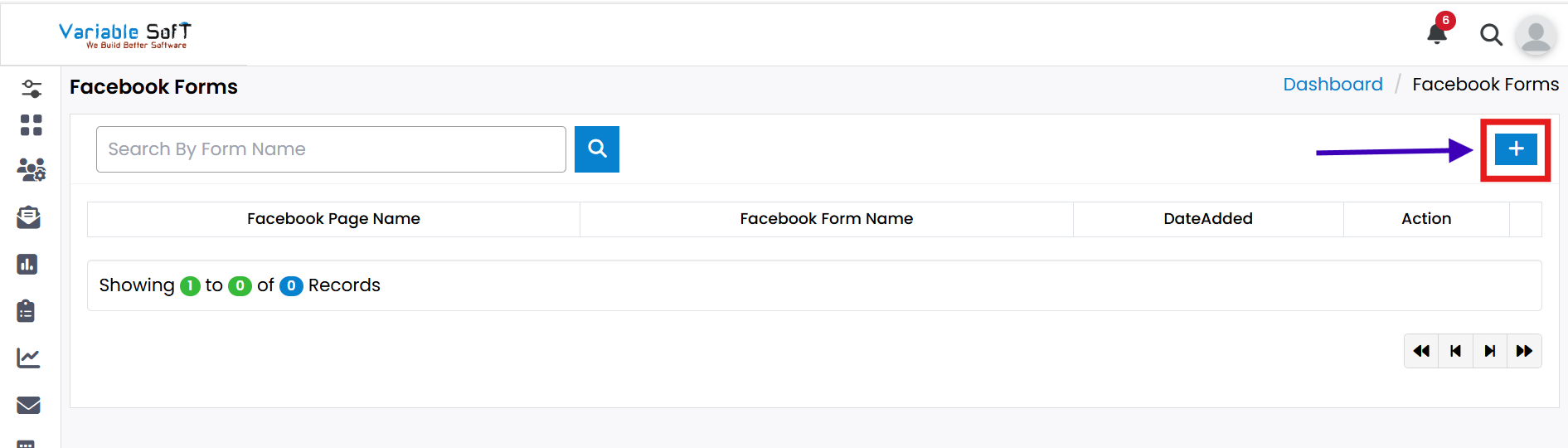
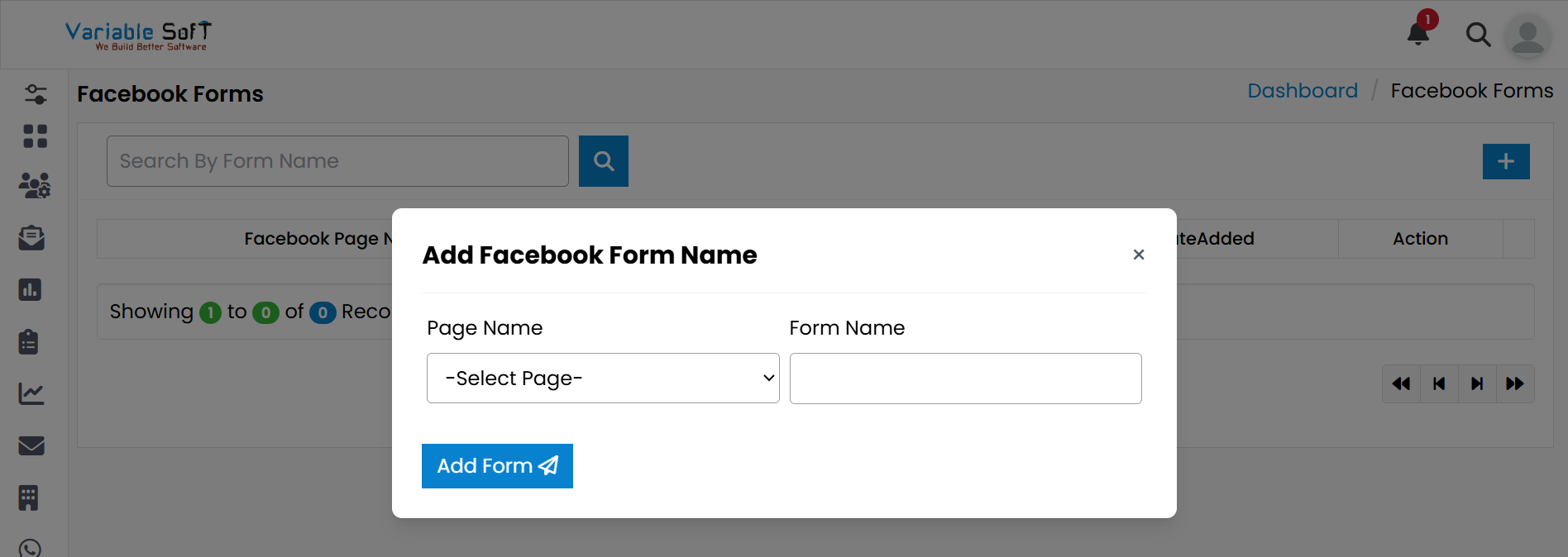
- View FaceBook Form Detail: See and manage your Facebook forms.
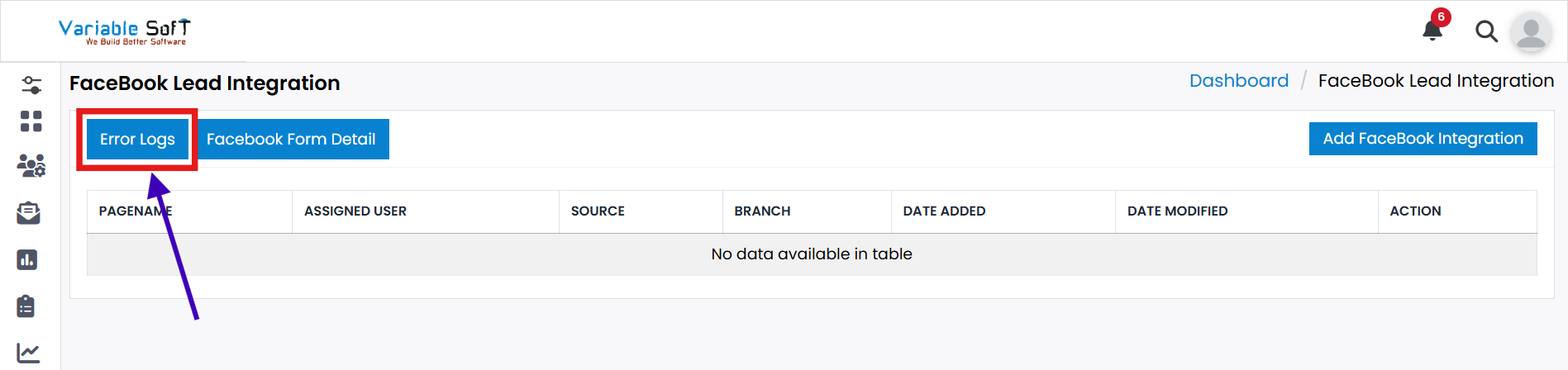
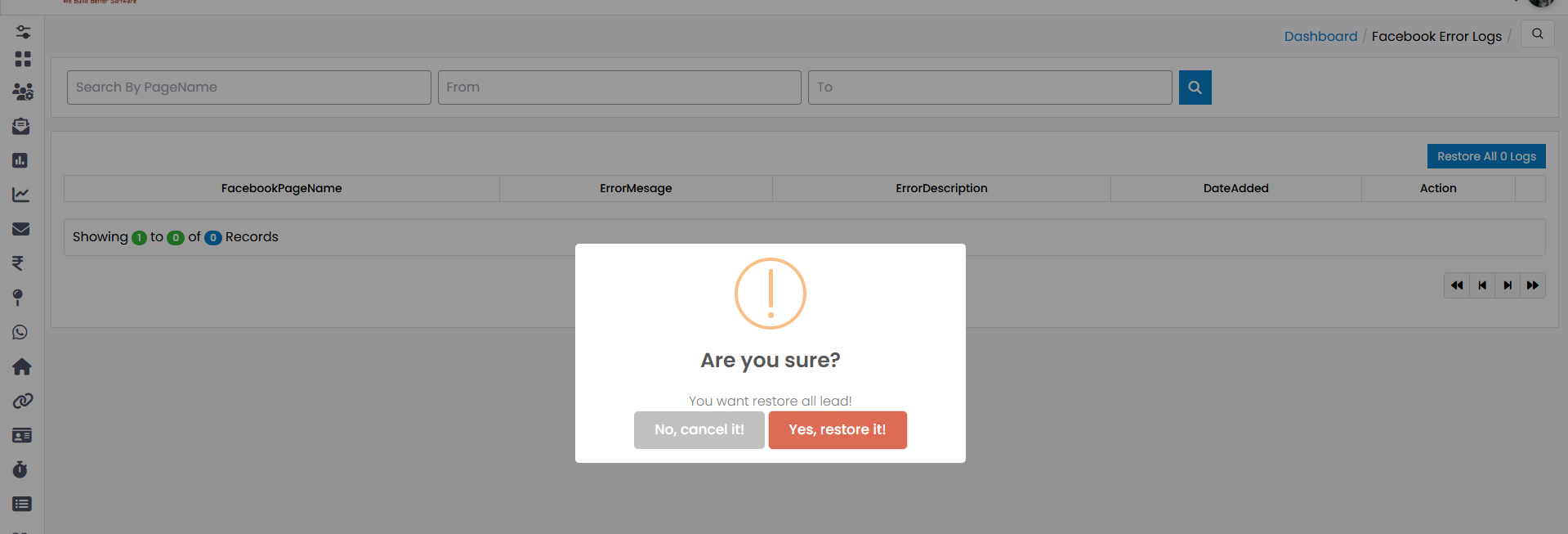
- Review and restore Error Logs: Handle any sync or permission issues.
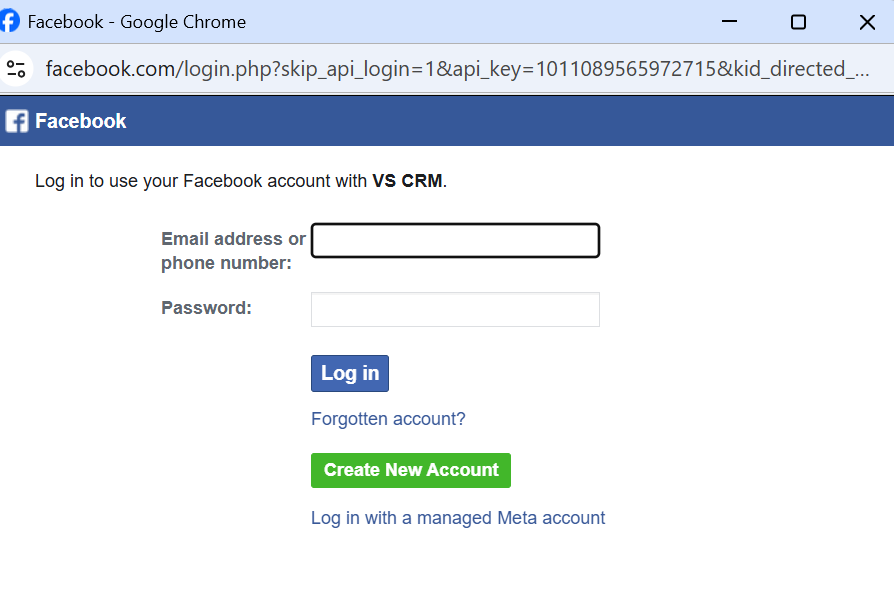
Pro Tip
Keep your Business Manager access handy. You’ll be asked to grant permissions for Pages, Forms (Leads), and related assets.