Task Assigned To Me
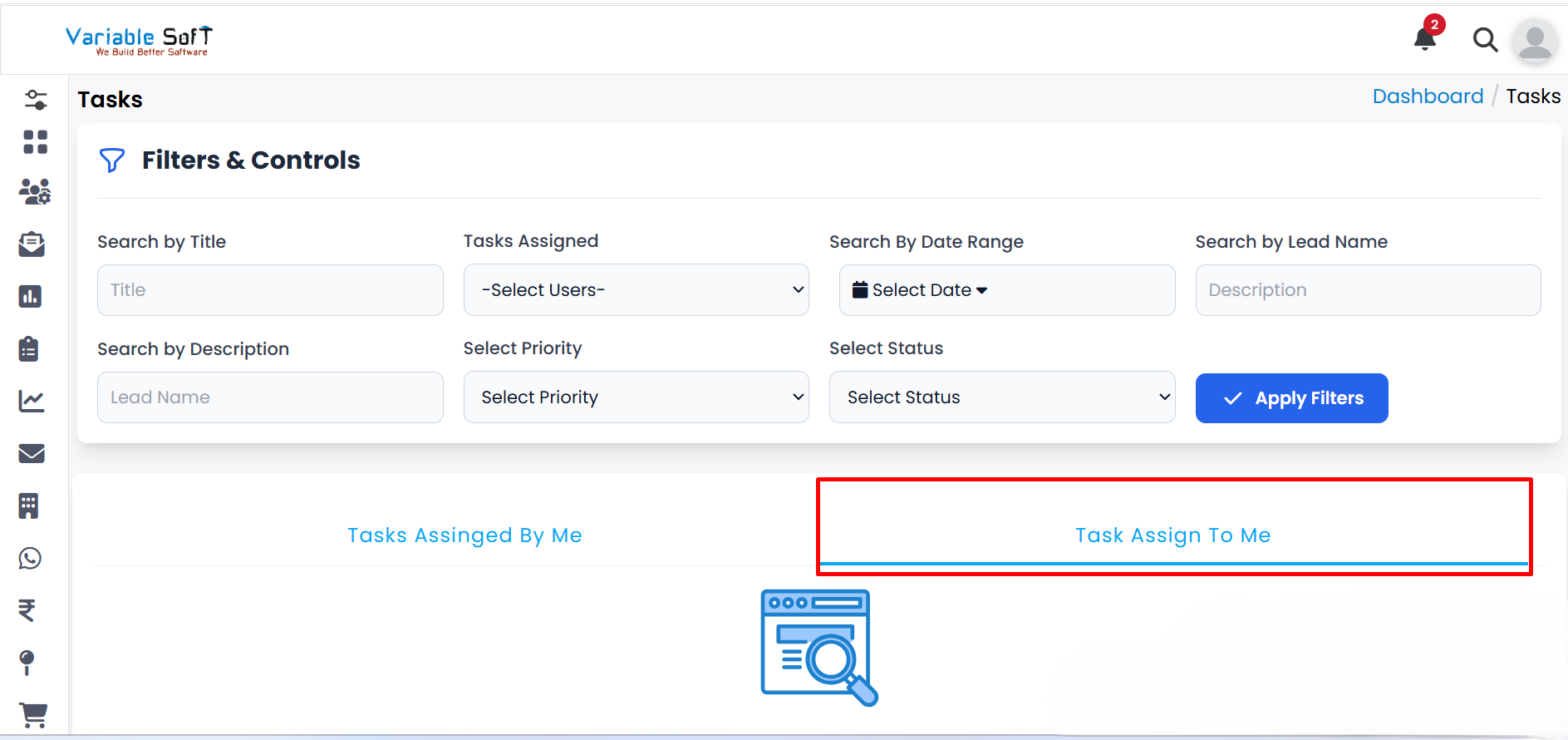
Instructions for Task Management
-
Step 1
Go to the Task Assigned To Me section to view all tasks assigned to you.
-
Step 2
To update the status of a task, click the Change Status button next to the respective task.
-
Step 3
From the available options, select the desired status to update your task.
-
Step 4
Your task status will be successfully updated in the system.
💡 Pro Tip: Stay Organized
Regularly reviewing the tasks assigned to you and updating their status helps in staying on top of your responsibilities.